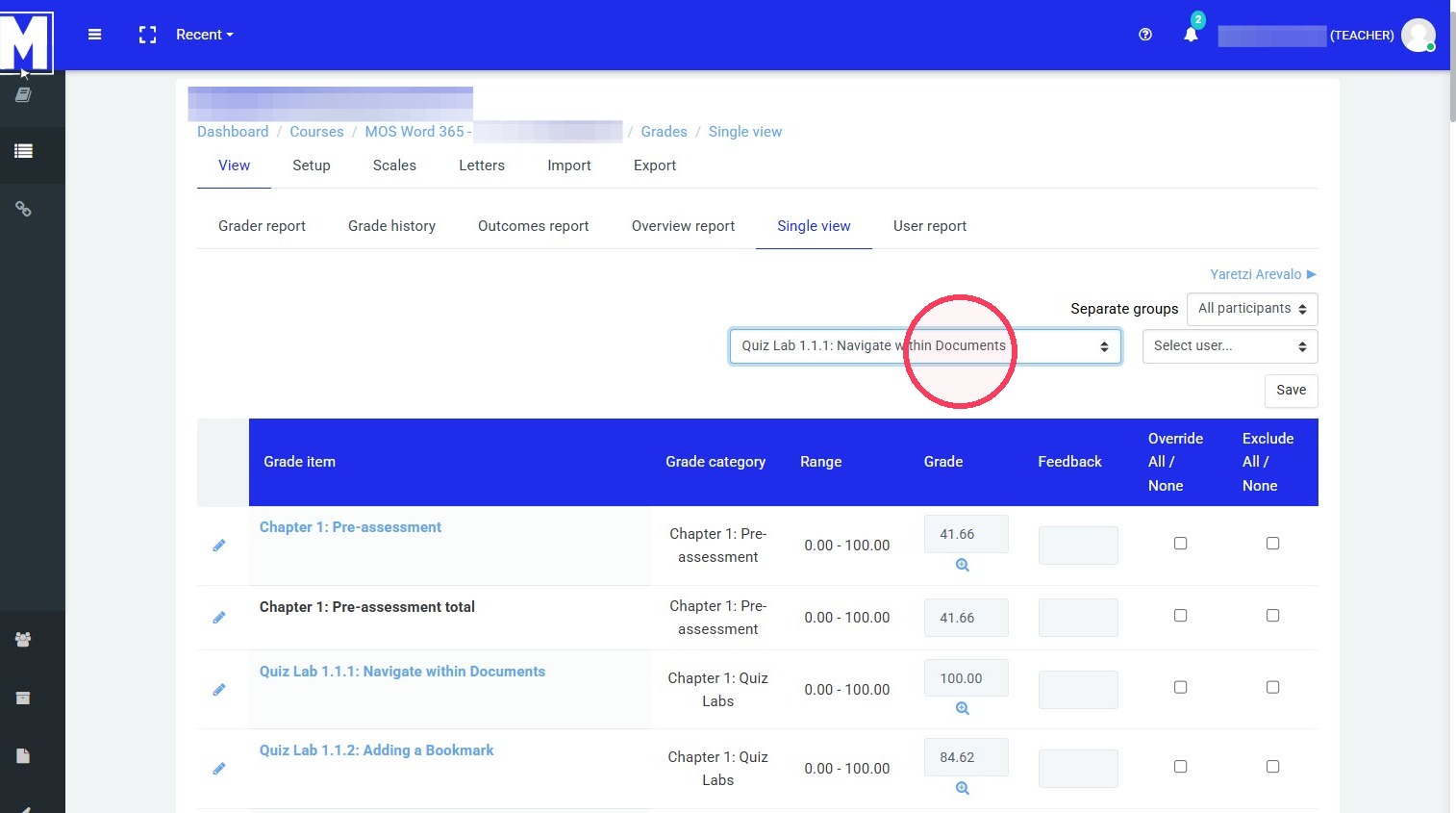
How To View Specific Student Grades In MSik12
How To View Specific Student Grades In Moodle
Learn how to access and review individual student grades within your Moodle course dashboard. This guide simplifies the process of navigating to single view reports for specific assessments and users.
1. Navigate to your course.
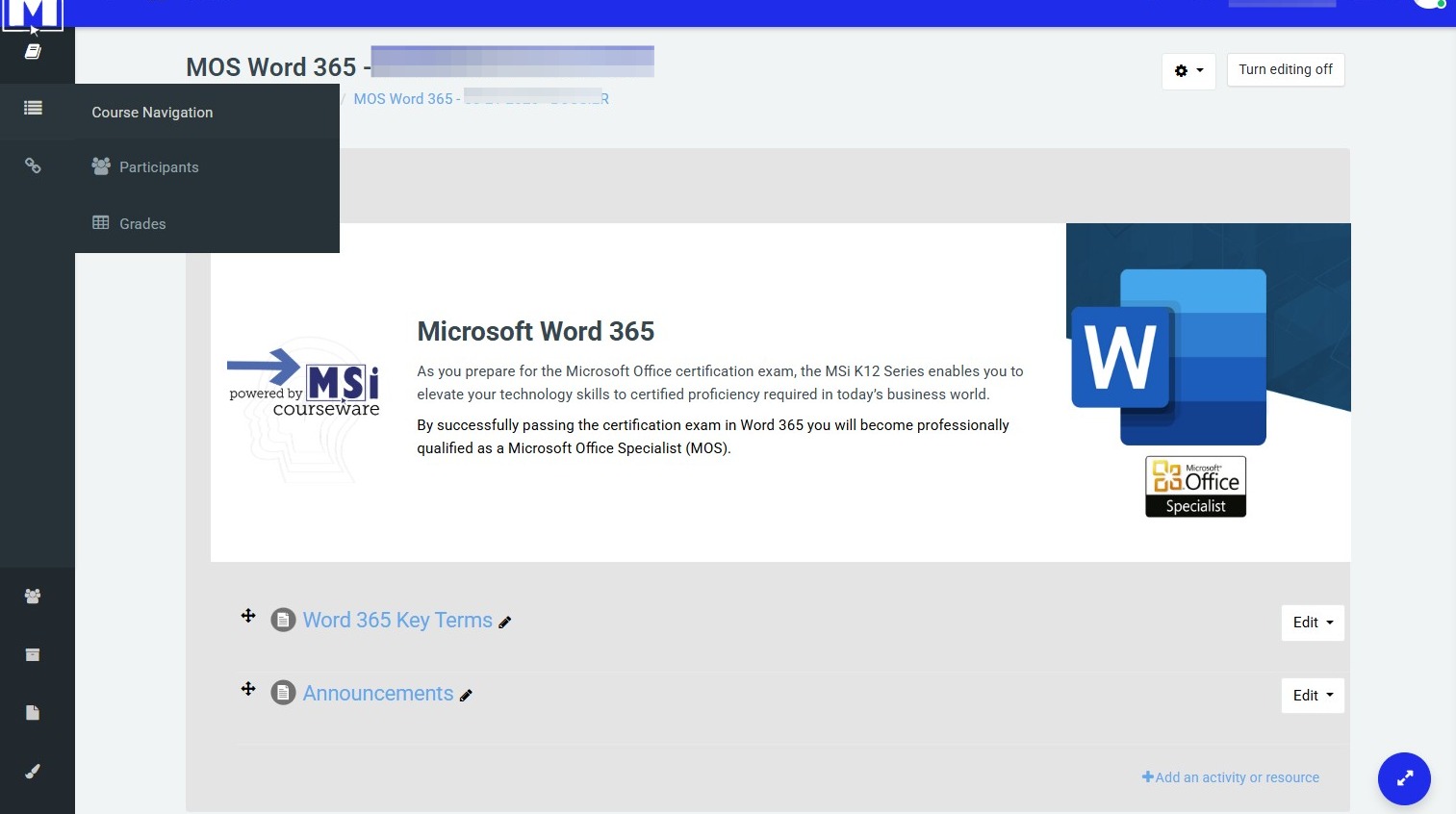
Course Navigation
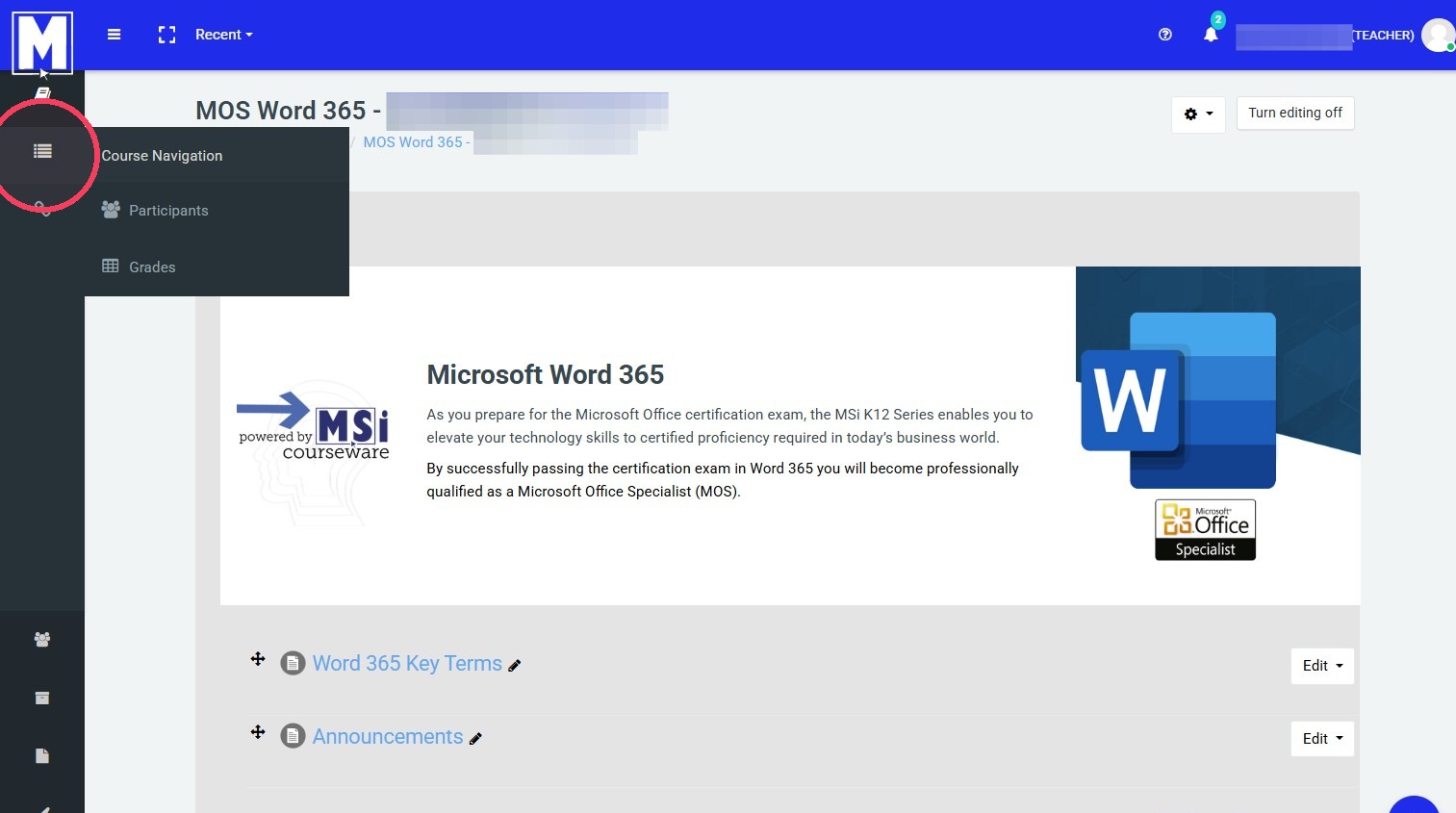
2. Click the Course navigation icon
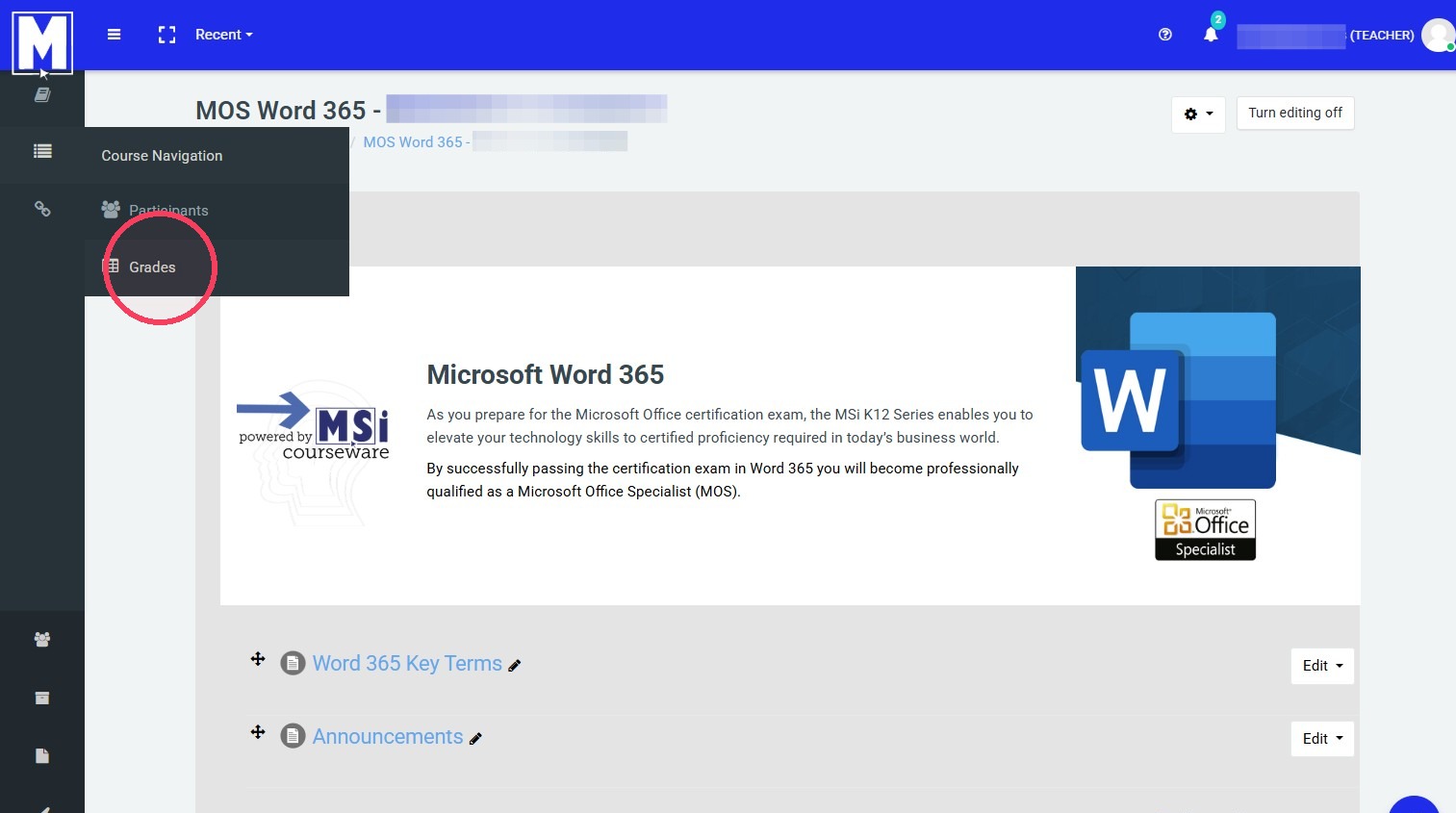
3. Click "Grades"
4. Click "User report"
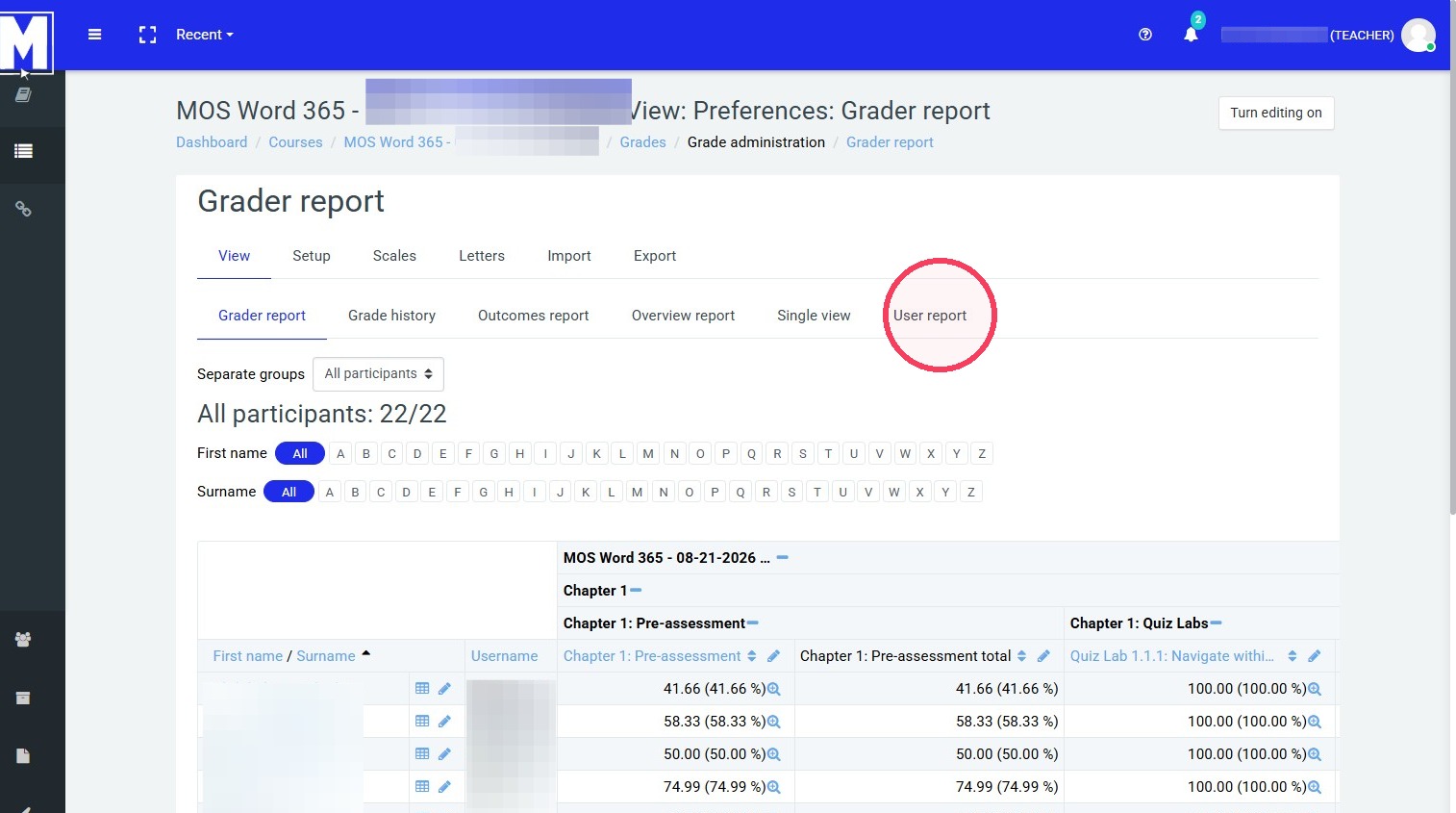
User Report
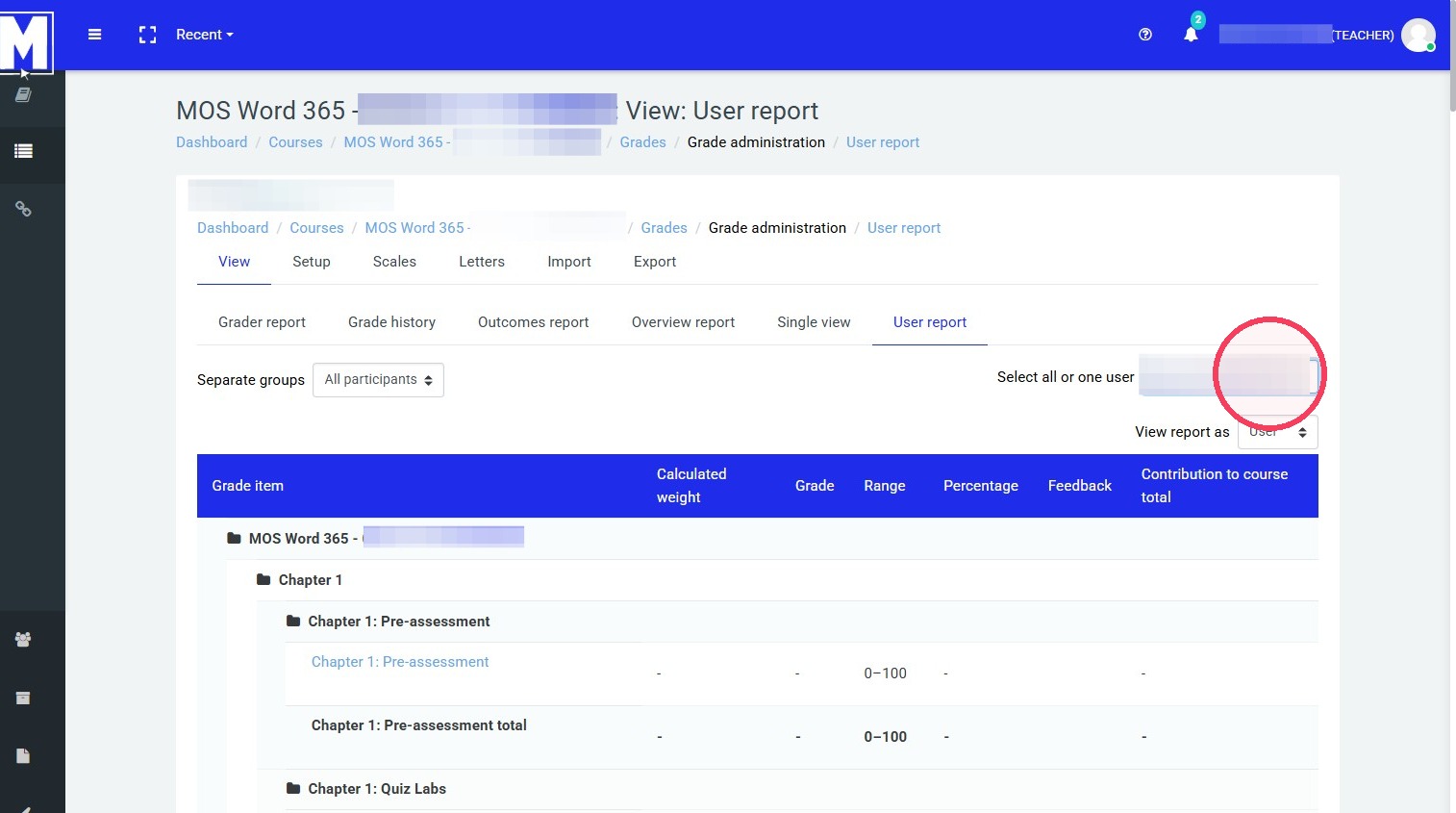
5. Select any student to see their progress and grades.
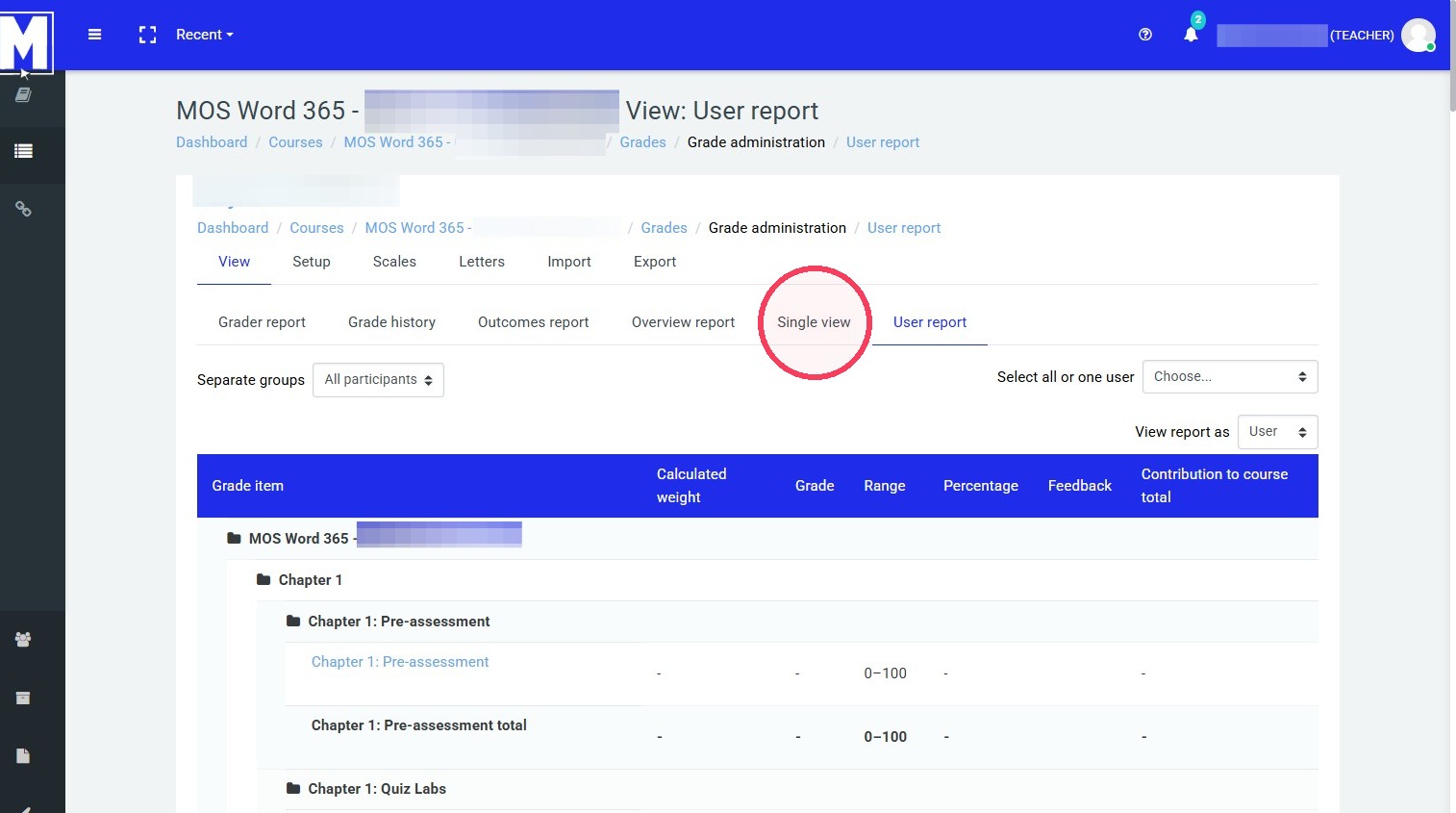
6. Click "Single view"
7. Select any student's name to search by student.
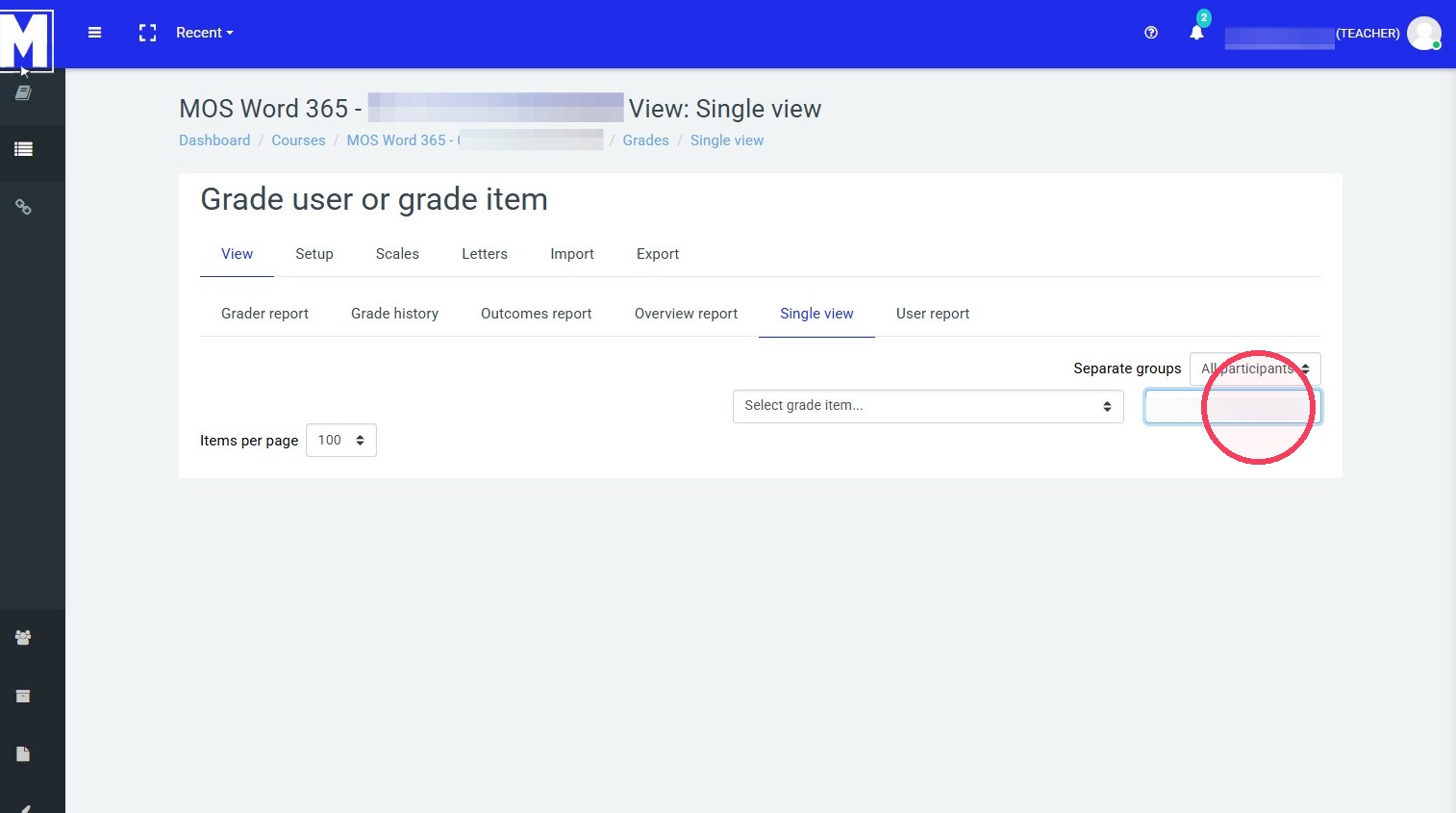
Grade Item Review
8. Click "Select grade item".