How to Generate and Export Student Password Reset Links
How to Generate and Export Student Password Reset Links
Learn how to generate and export secure password reset links for your students in Gomsi. This guide simplifies the process of managing account access through bulk actions and CSV exports.
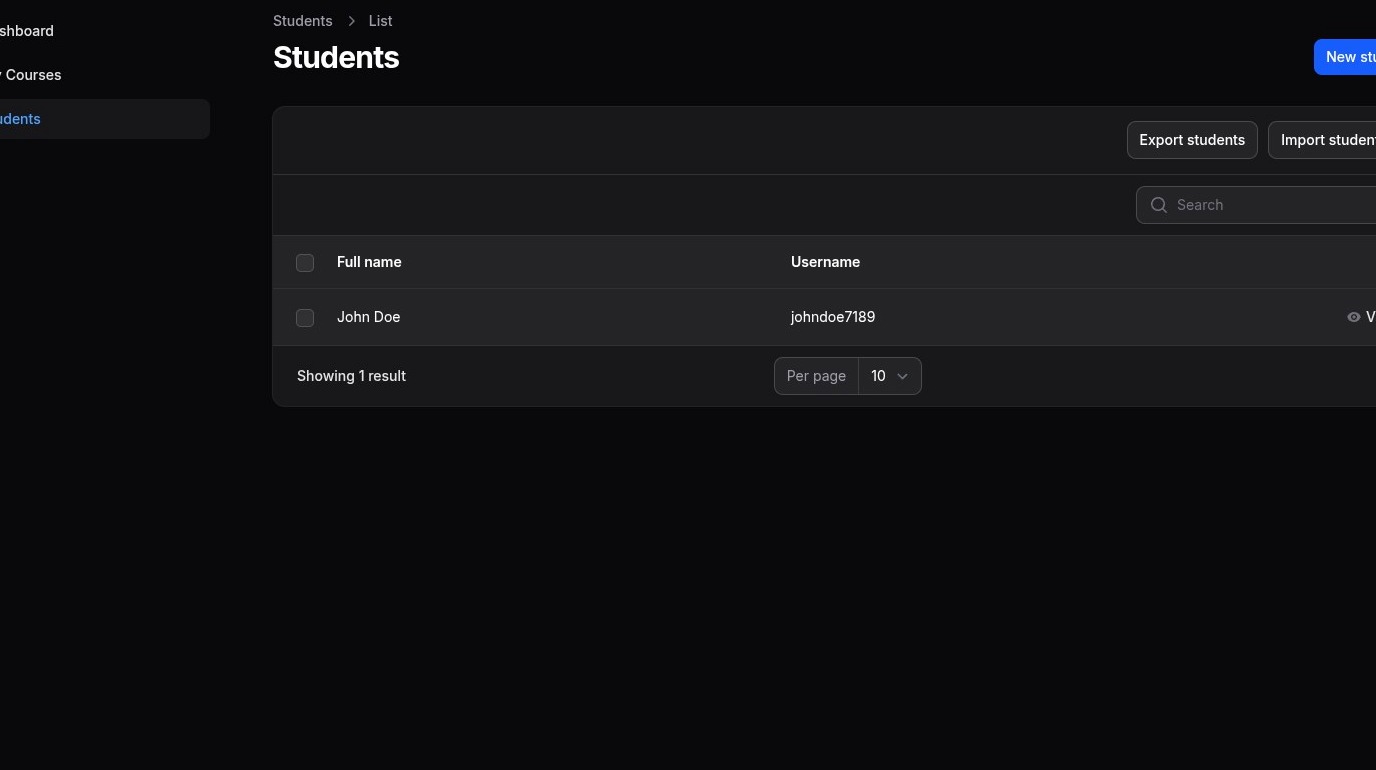
1. Navigate to https://gomsi.net/instructor/students
Generating Password Reset Links
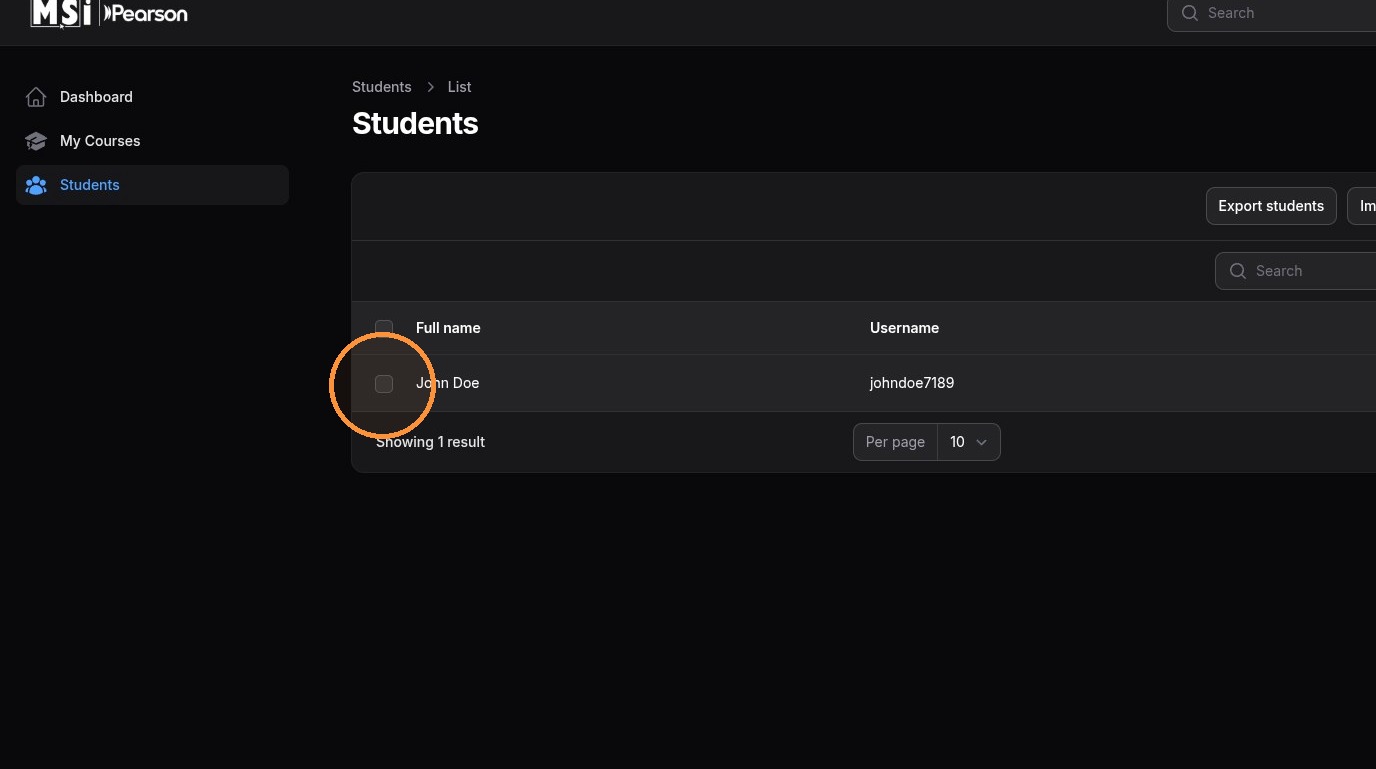
2. Using the check boxes on the student table, select the students you would like to generate password reset links for
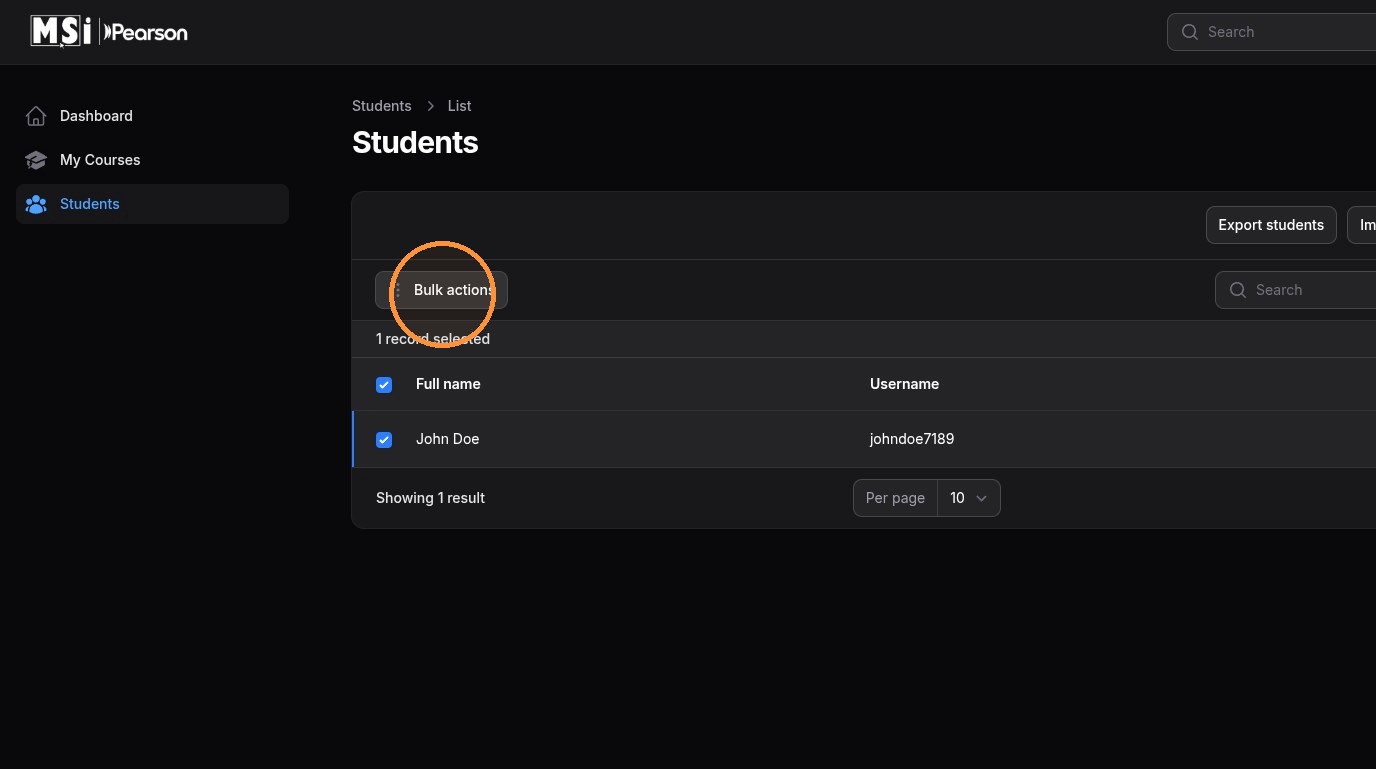
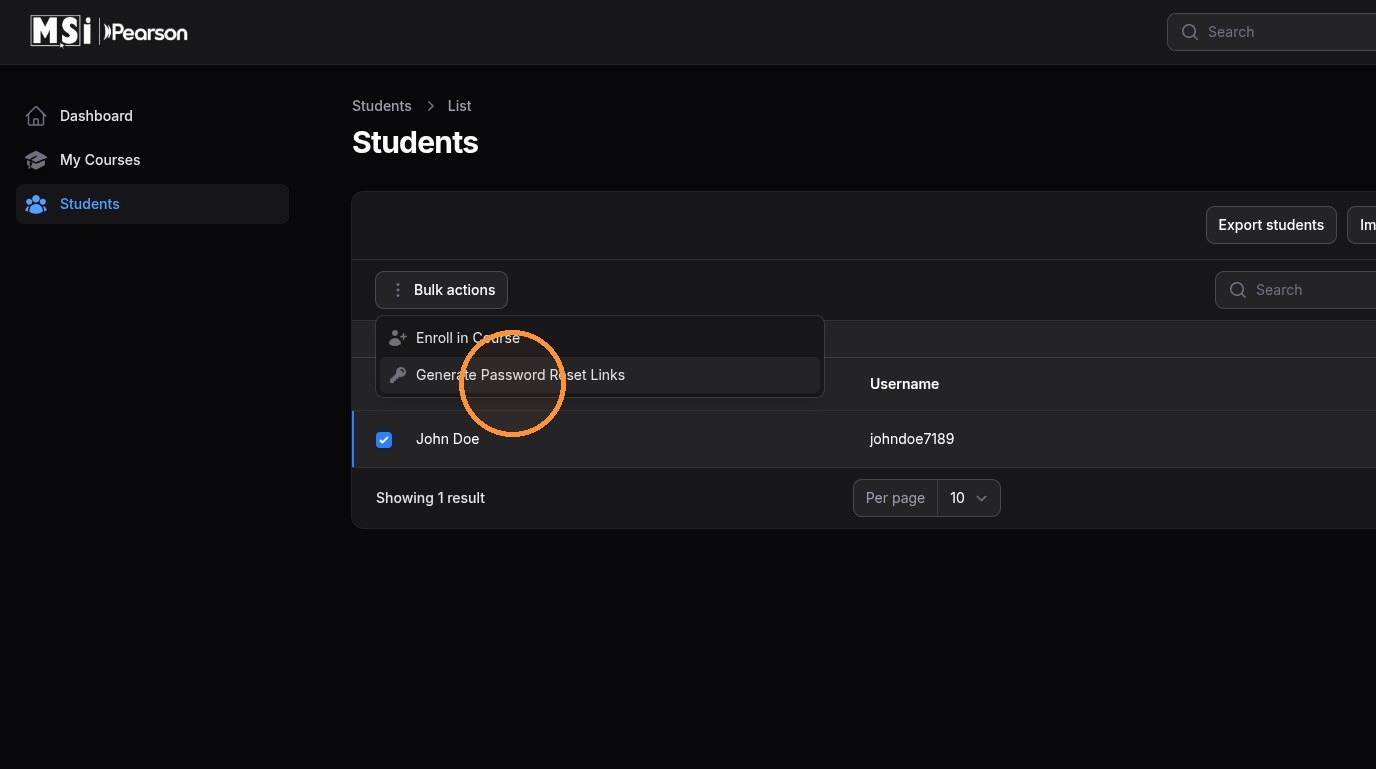
3. Click Bulk actions
4. Click Generate Password Reset Links
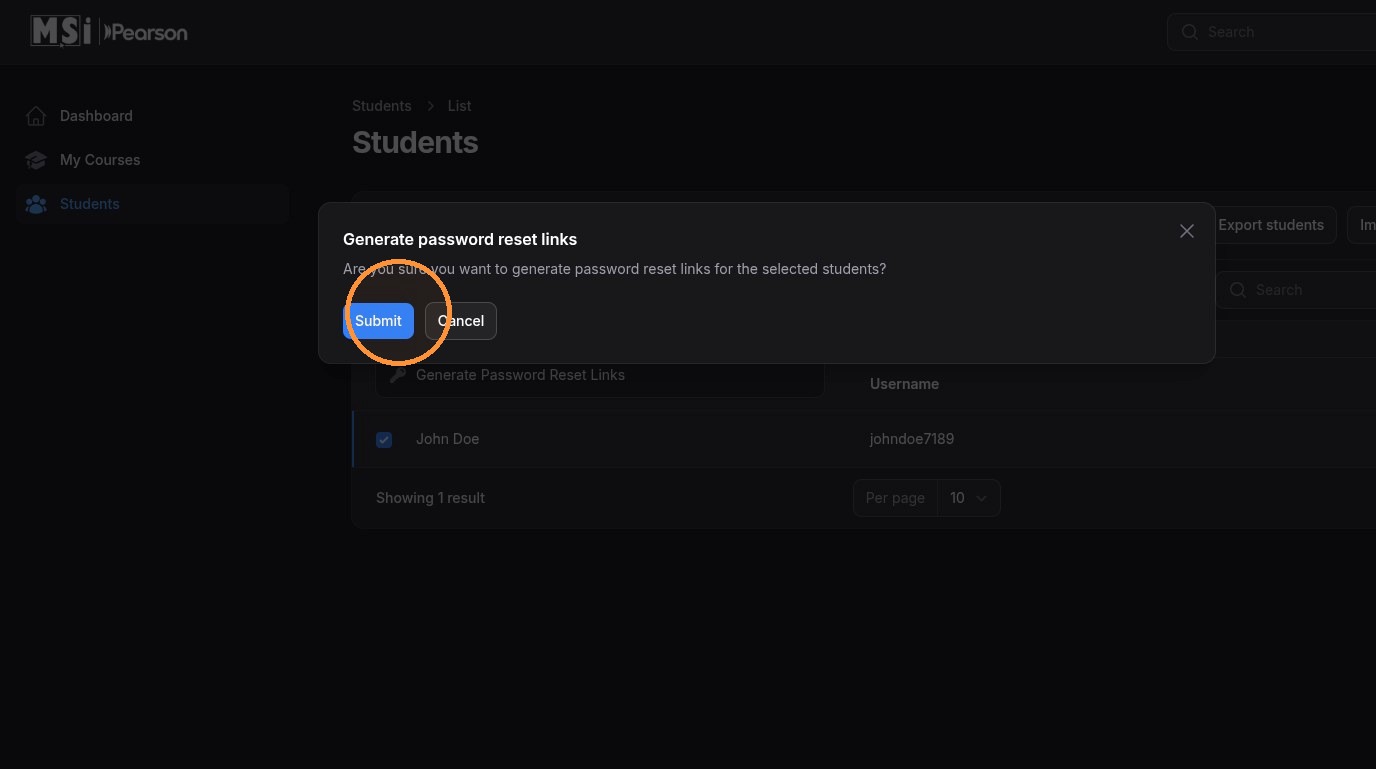
5. Click Submit
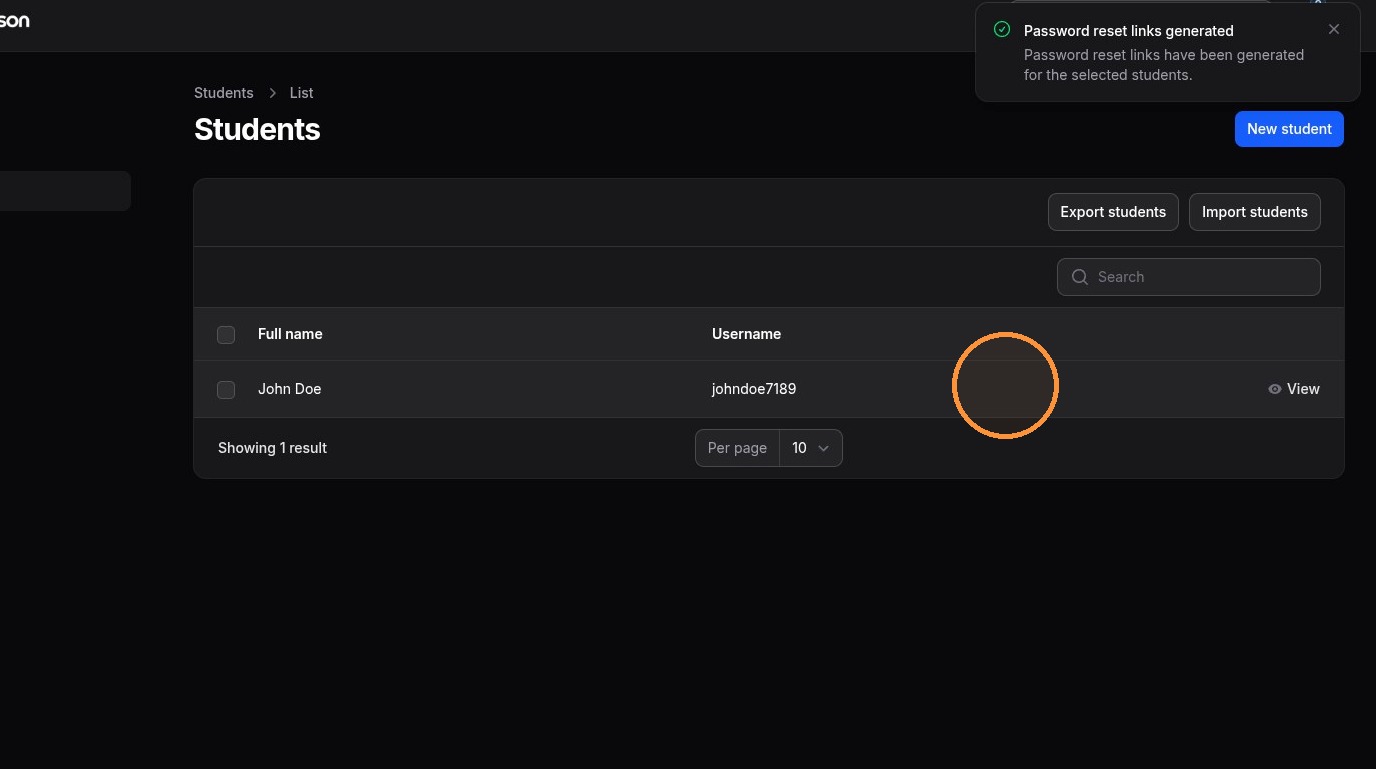
Viewing a Generated Link for a Student
6. Click on a student row in the table
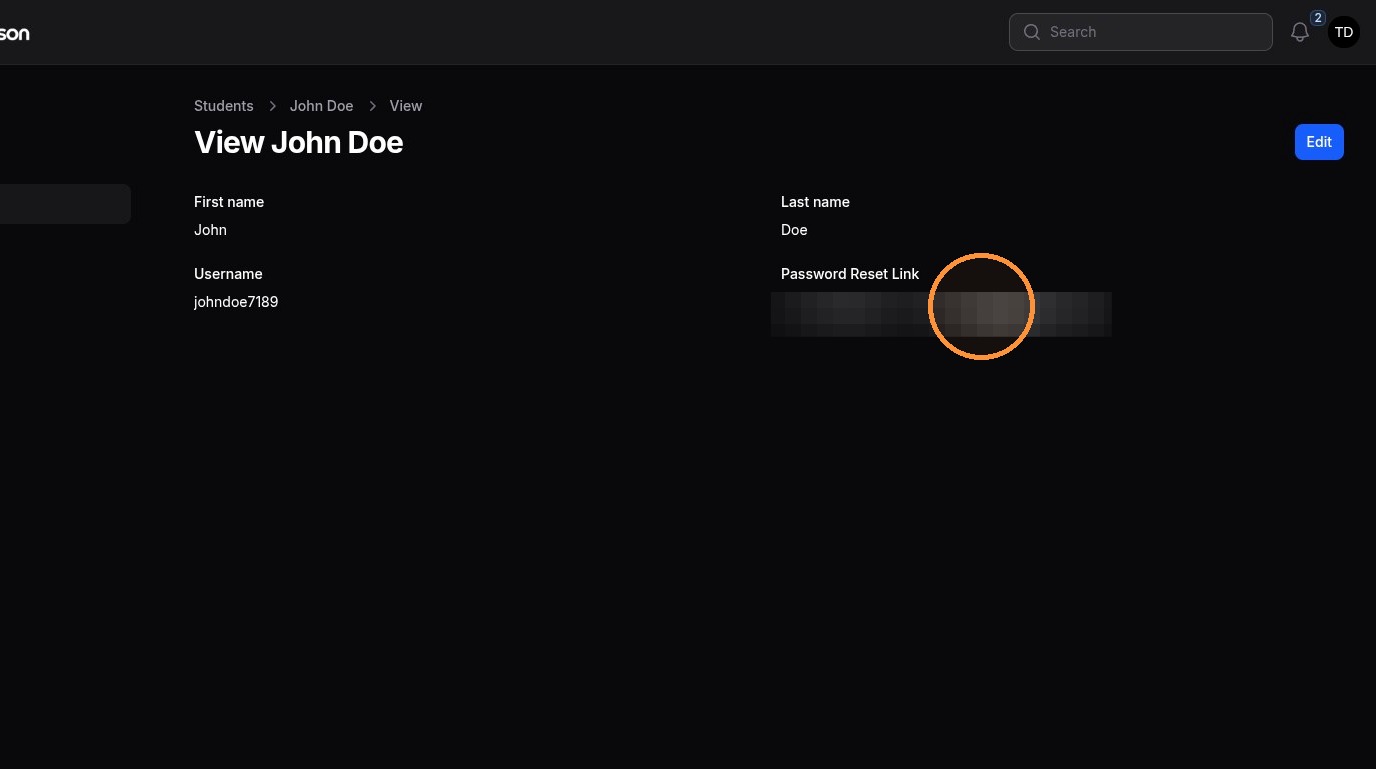
7. Click the Password Reset Link field text to copy the link
Exporting the Links
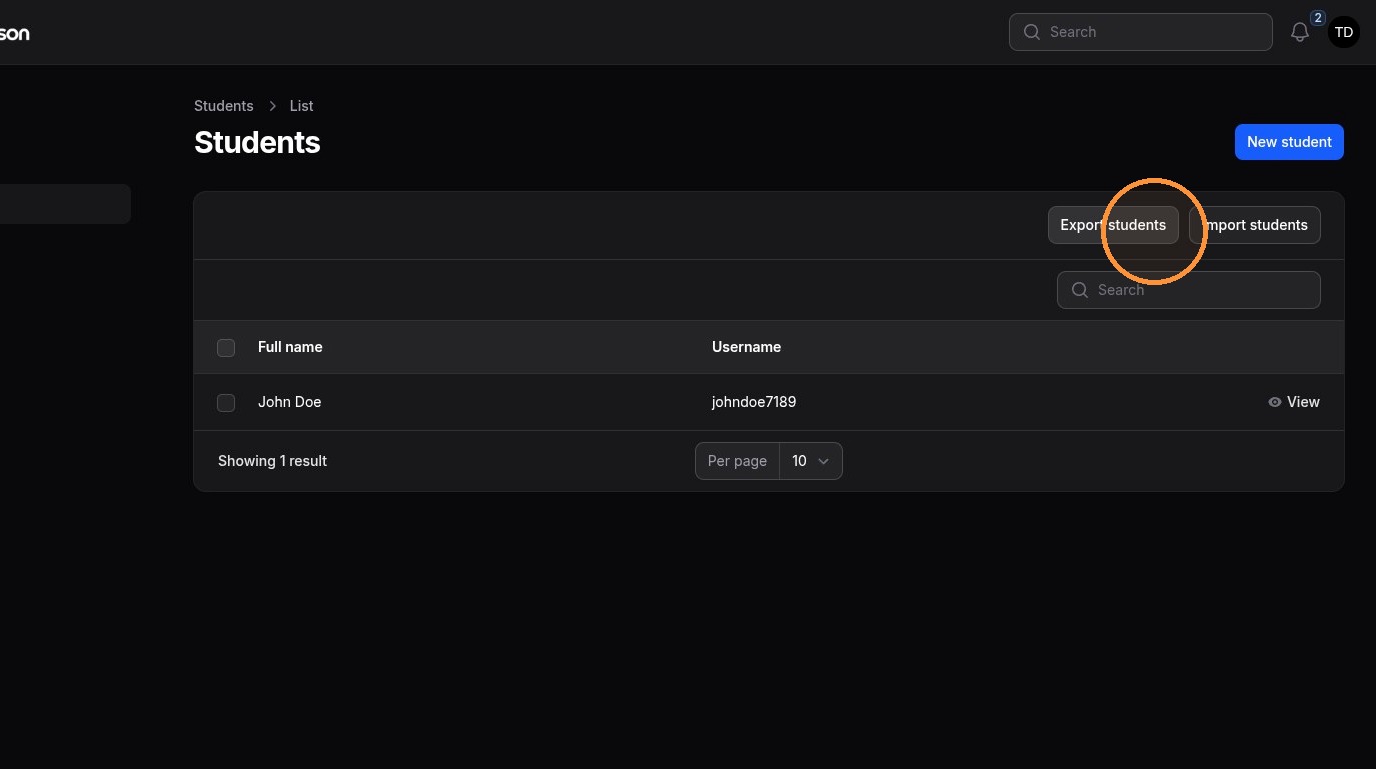
8. Click Export students
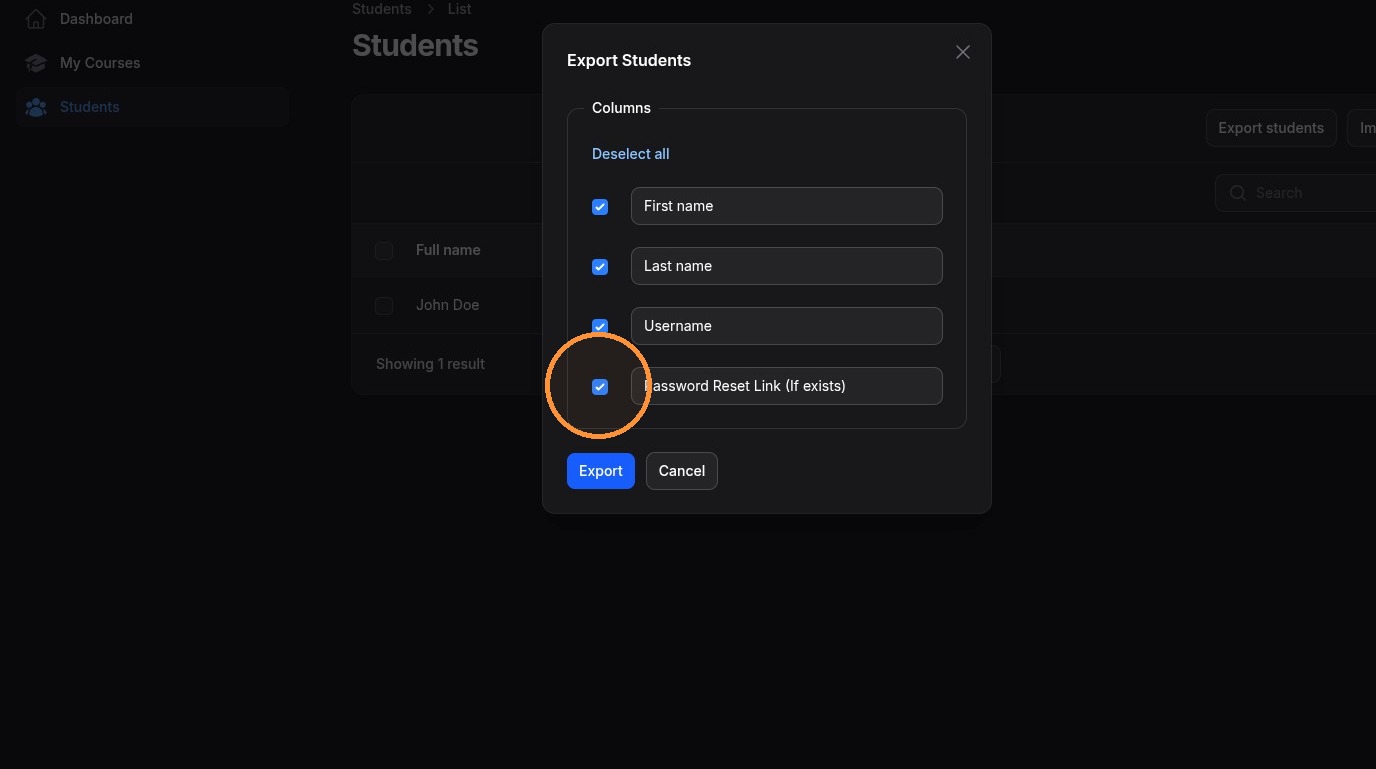
9. Make sure the Password Reset Link column is enabled
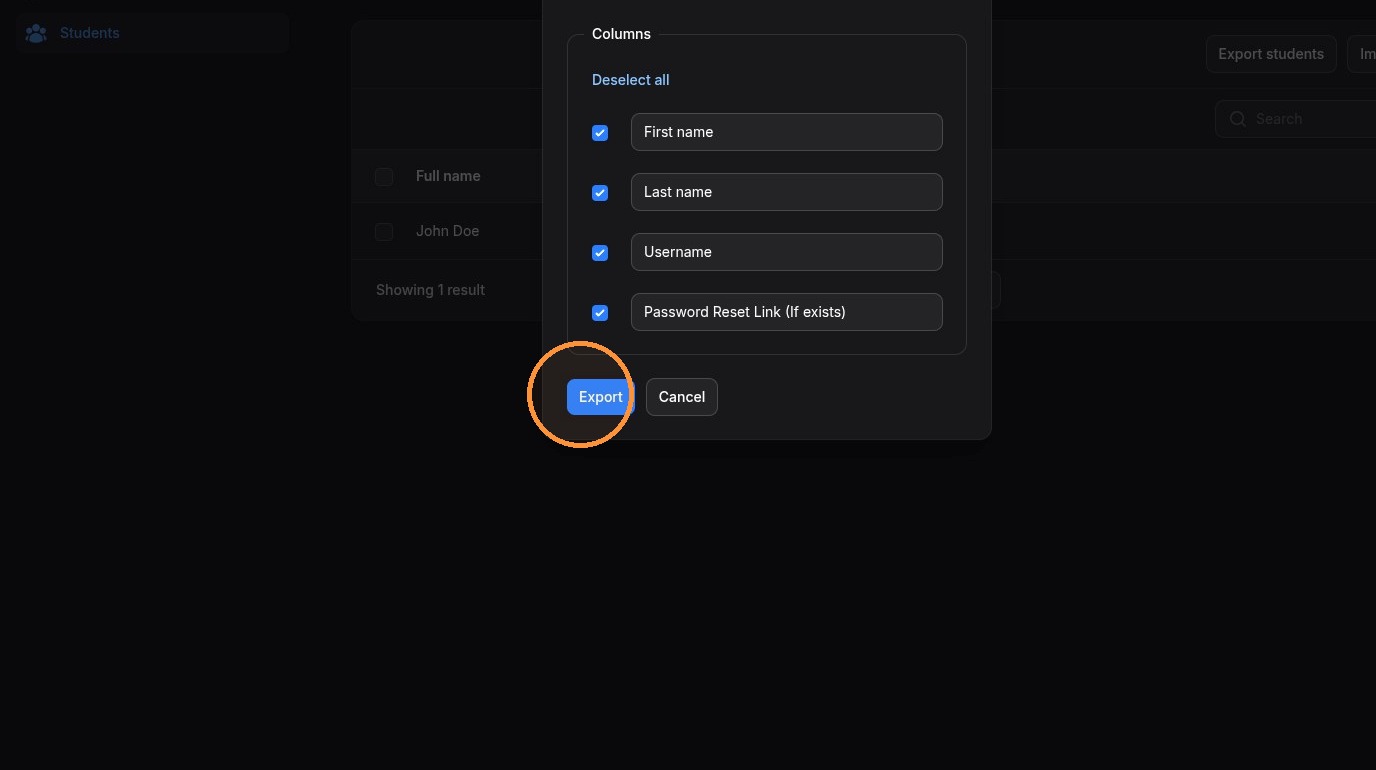
10. Click Export
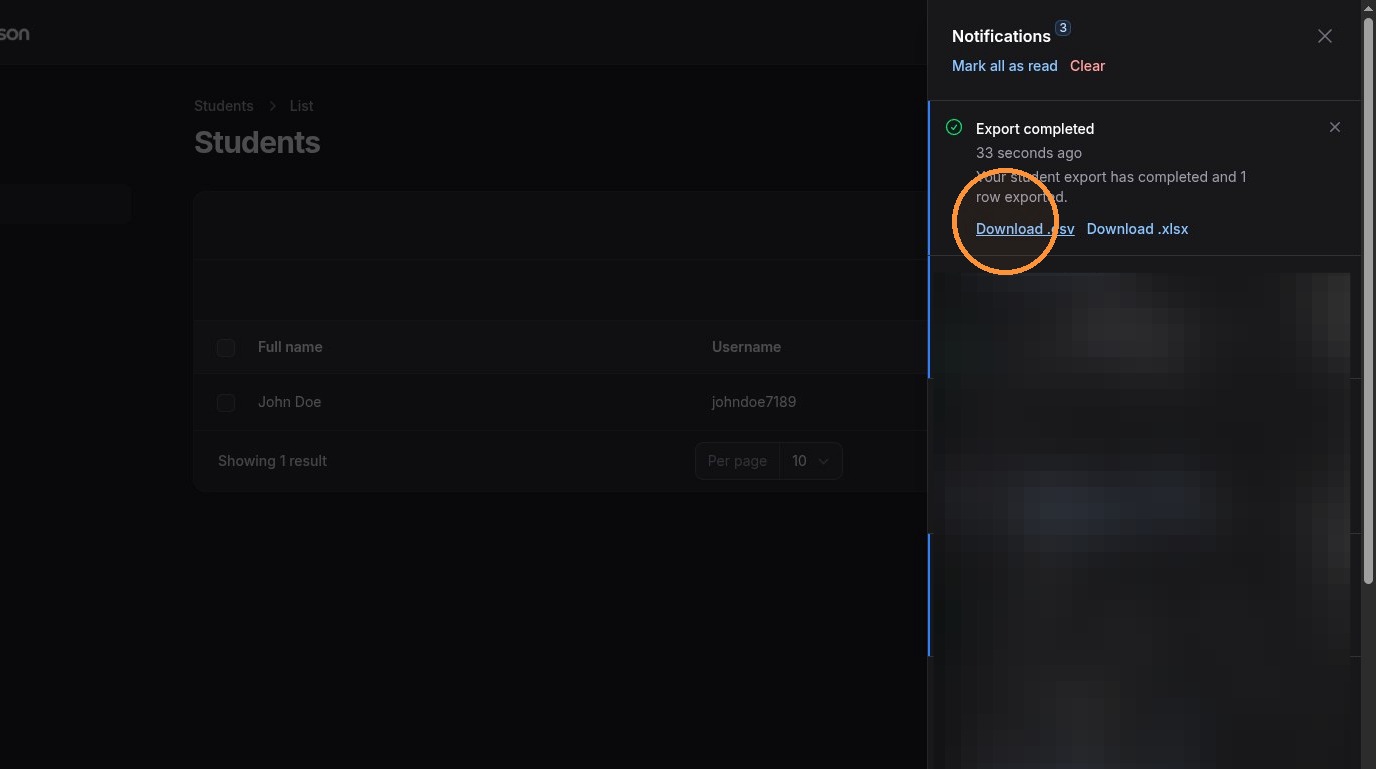
11. Click the notifications bell icon.
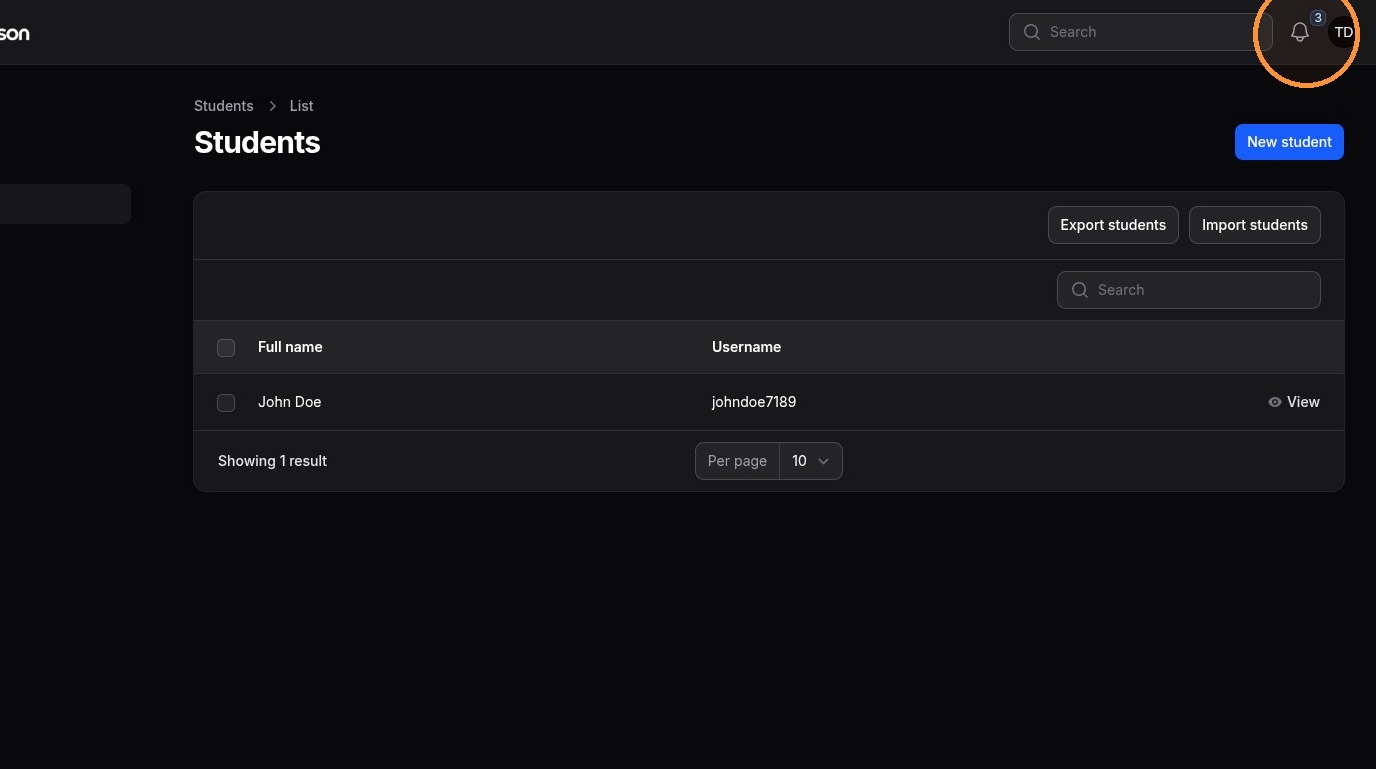
12. Click Download .csv to download the export as a csv file, or click Download .xlsx to download the export as a xlsx file