How To Log Into The Gomsi Instructor Portal
How To Log Into The GoMSi Instructor Portal
Follow this guide to securely access your Gomsi instructor account. It covers the login process, including how to verify your identity with an authentication code for quick access.

NOTE: YOU CANNOT LOGIN TO THE INSTRUCTOR PANEL UNLESS YOU HAVE ACCEPTED A COURSE.
Course acceptance is completed through a link sent by email from noreply@gomsi.net; subj: Order Registration Links.

If you didn't receive a order registration link, please submit a ticket here: https://gomsi.net/support
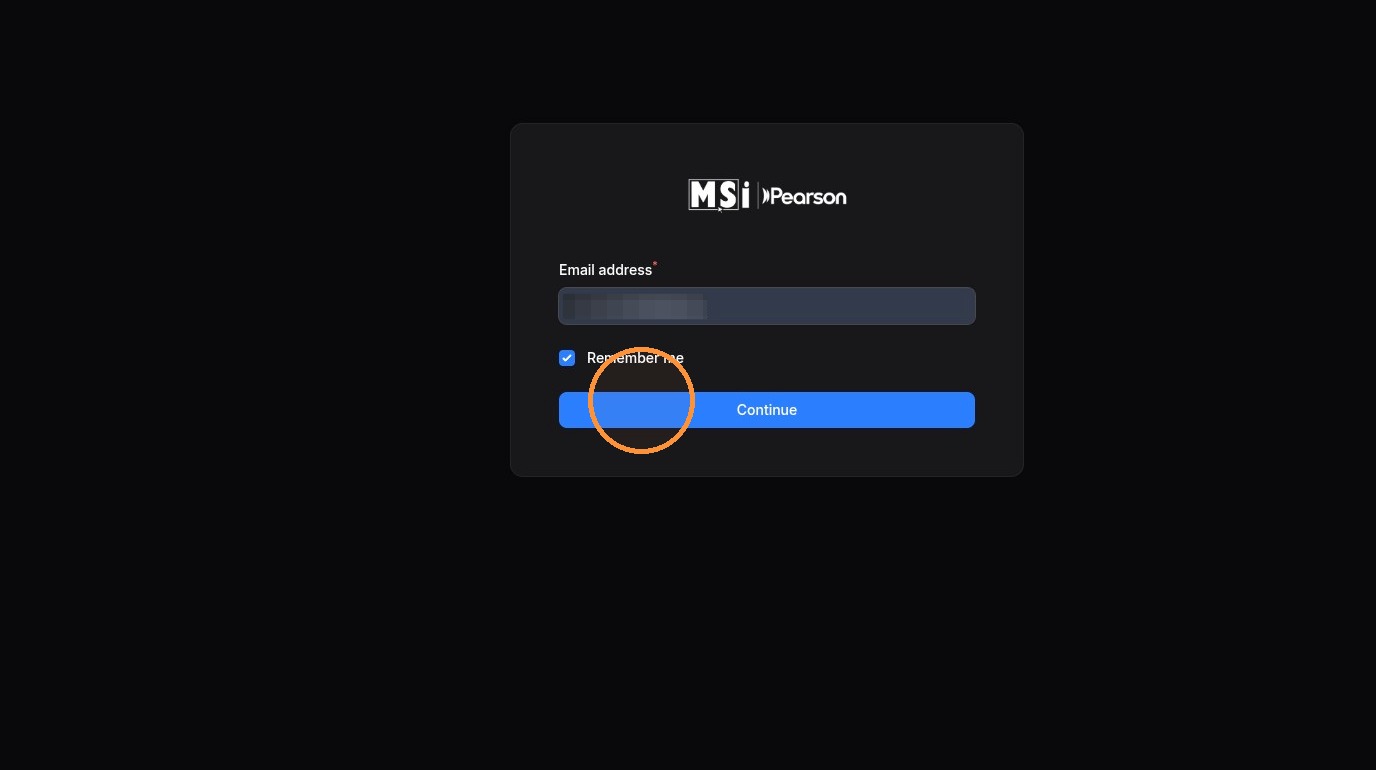
1. Navigate to https://gomsi.net/instructor/login
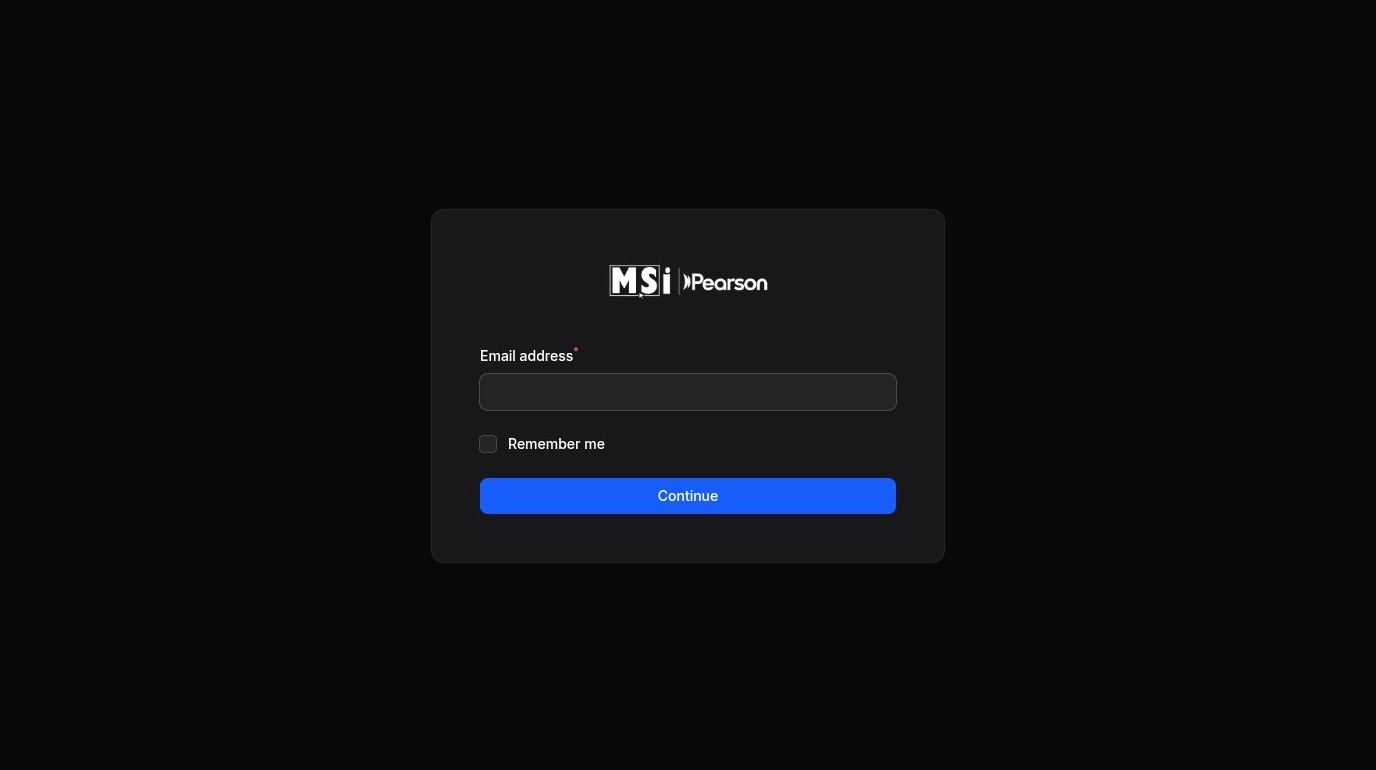
Email Sign-In
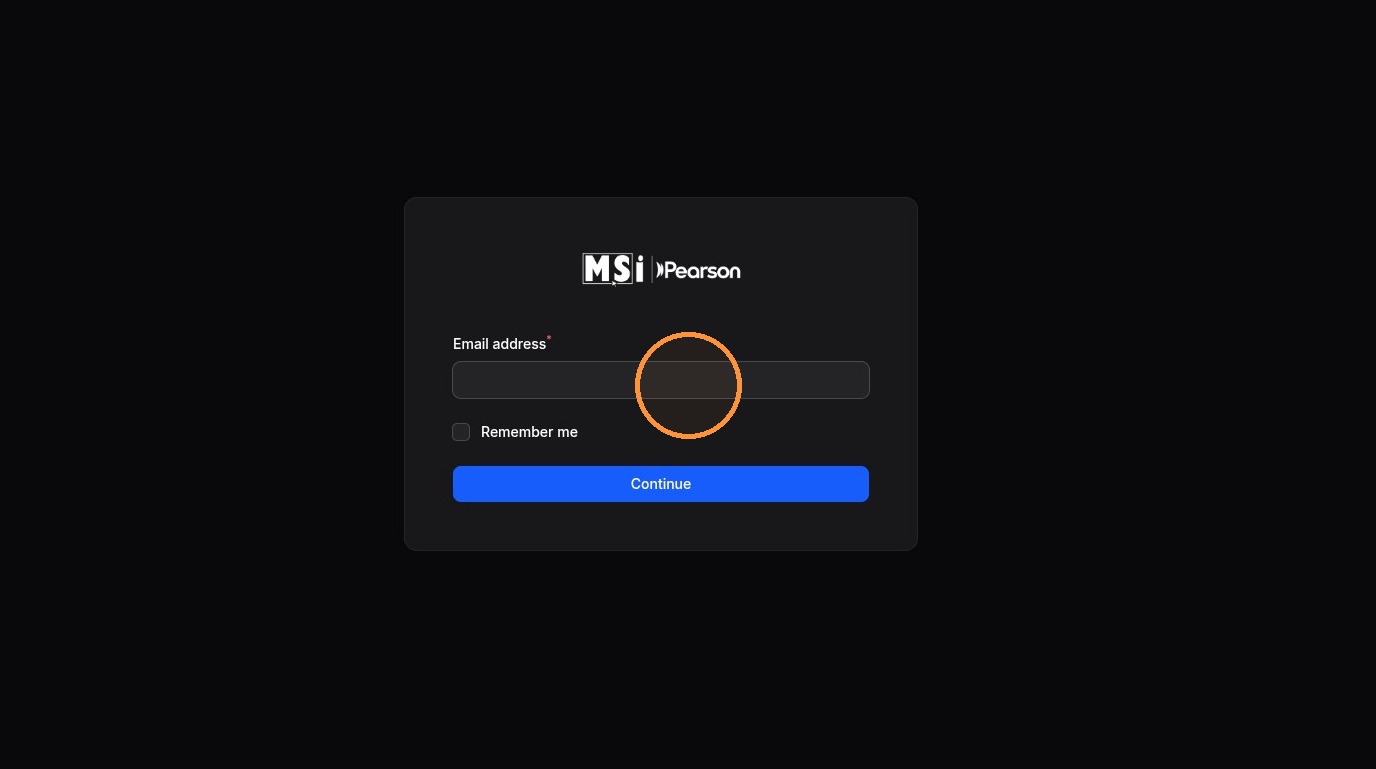
2. Enter your email address in the Email Address field
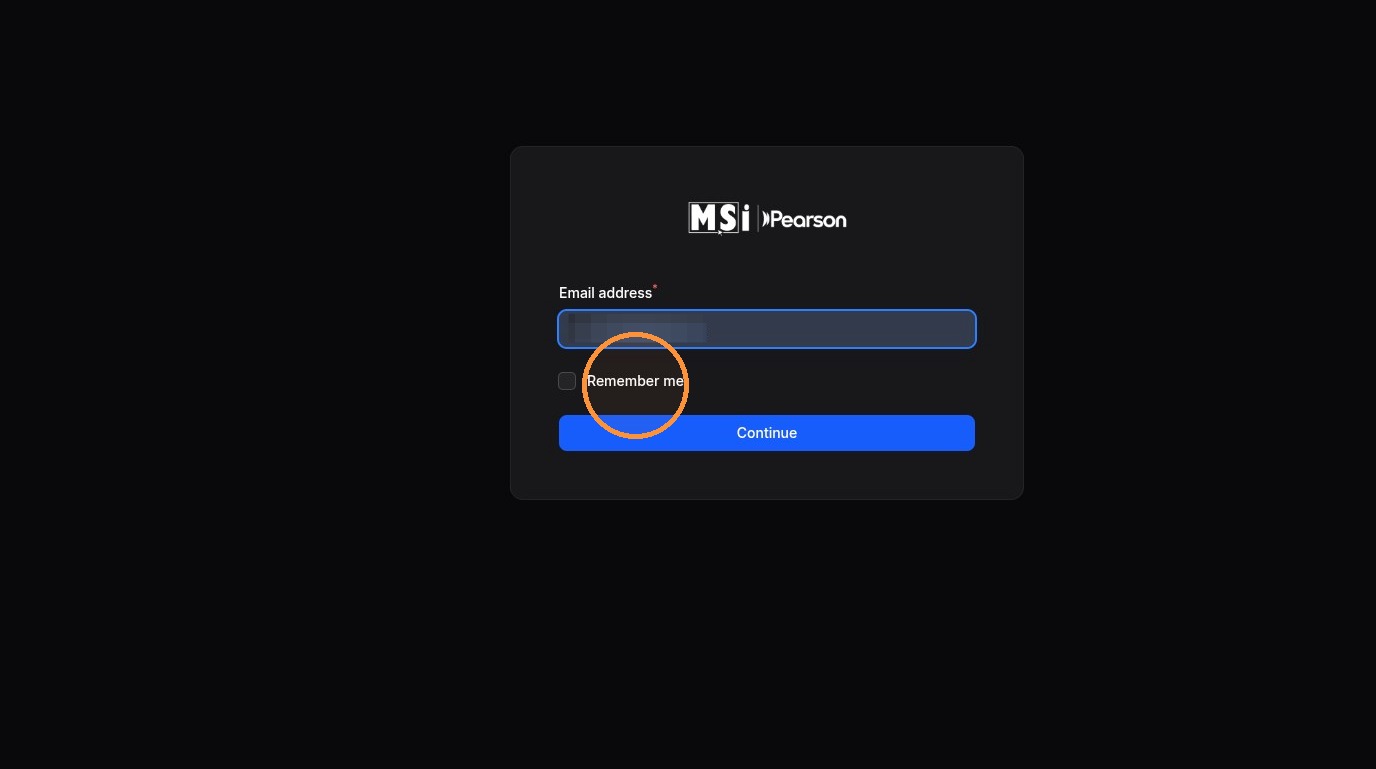
3. Click "Remember me" if you would like to remain logged in after closing the browser
4. Click "Continue"
Authentication Verification
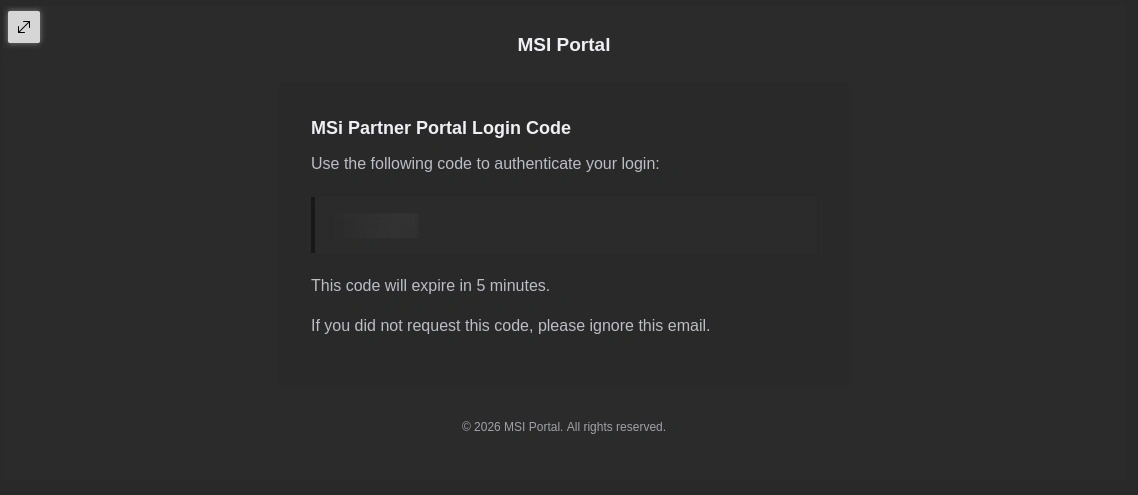
5. You will receive the following email containing your authentication code
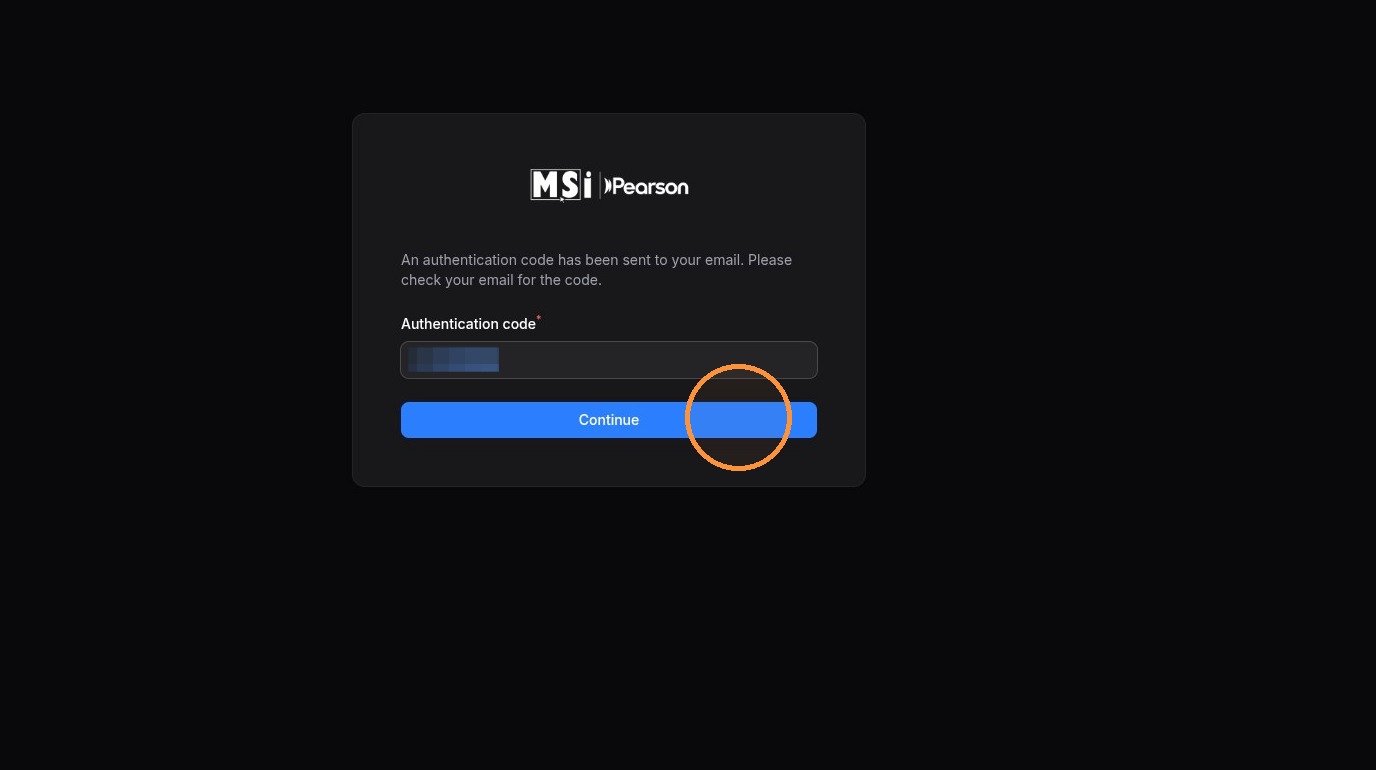
6. Enter your authentication code into the Authentication code field
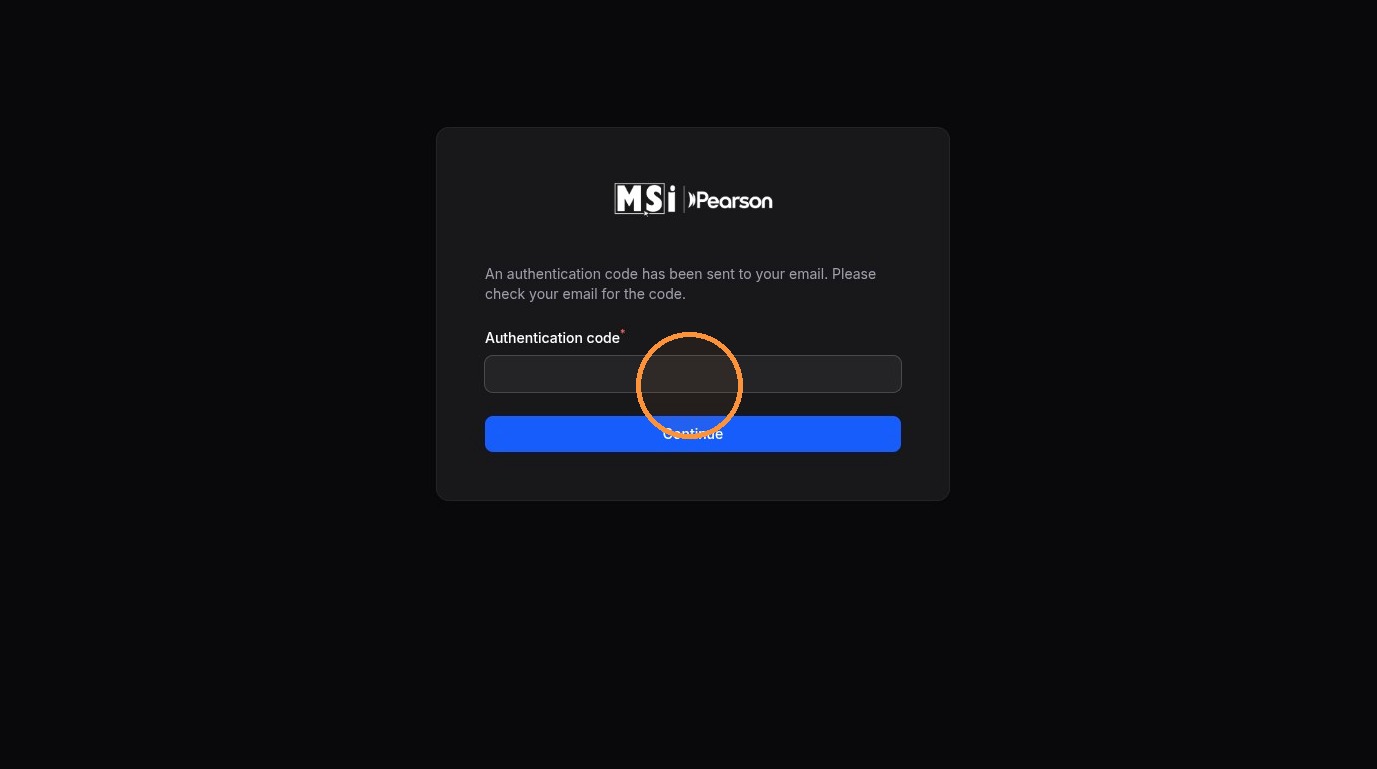
7. Click "Continue" to log in to your account