Related Articles
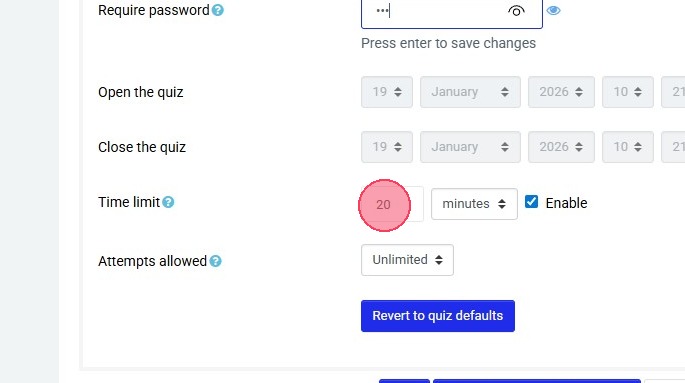
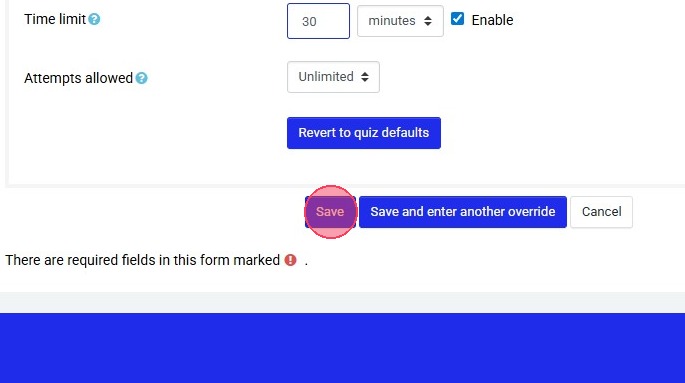
Changing Quiz Settings
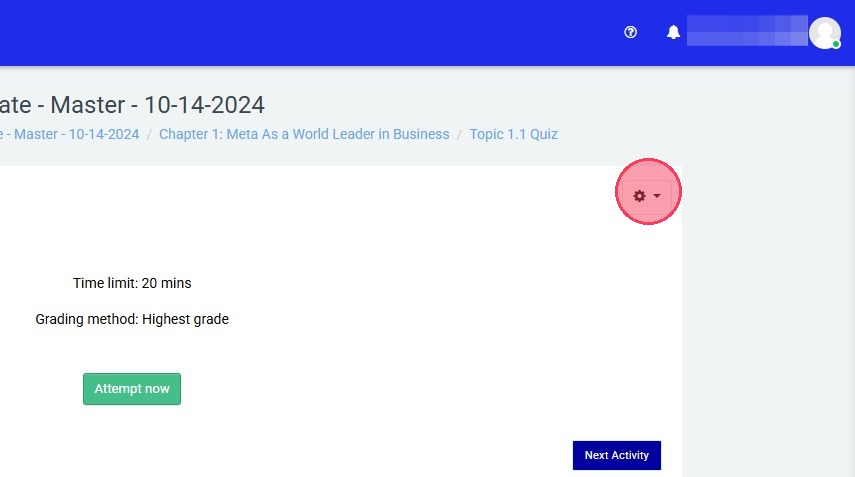
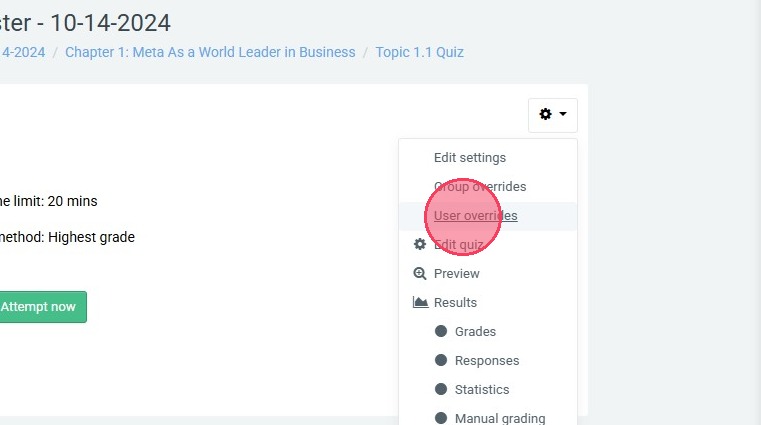
Note: Remember to save your changes before exiting the settings page. To access the Settings menu: Visit your course homepage. In the top right, select "Turn editing on". Scroll to the desired quiz. Select the gear icon for that quiz. Select "Edit ...
Quiz Anti-cheat Measures
Quiz Settings All settings discussed are available in the Edit Settings section for each Non-application Quiz or Scenario Based Activity (excludes in-app or simulated environment quizzes, and case studies). NOTE: Some advanced settings should only be ...
Quiz or project not opening
If a quiz or project will not open and takes you back to the start page, there is a reason. It indicates that there is a quiz already open. The quiz is trying to open another one. Check your tabs to see that you have more than one quiz opened. To ...
Show/Hide Feature
Show / Hide You can hide individual lessons and full chapters in a course. Go to the top right of your course, select "Turn editing on". Go to the lesson you would like to hide from students. Select the Edit dropdown arrow and select “Hide” As a ...
MSi ACA Quick Start Guide to In Application Activities
MSI ACA QUICK START GUIDE TO INAPP ACTIVITIES & INFORMATION InApp and Simulation Activities: Information Simulation Practice and Quiz activities: Simulations are web-based and do not require Adobe Photoshop, Illustrator, or InDesign installed. Ideal ...