How to Create a New Student Registration Link
How to Create a New Student Registration Link
Learn how to efficiently generate unique registration links for your courses through the instructor dashboard. This guide walks you through the steps to label and create new links so you can easily manage student enrollment.
1. Navigate to https://gomsi.net/instructor/student-registration-links
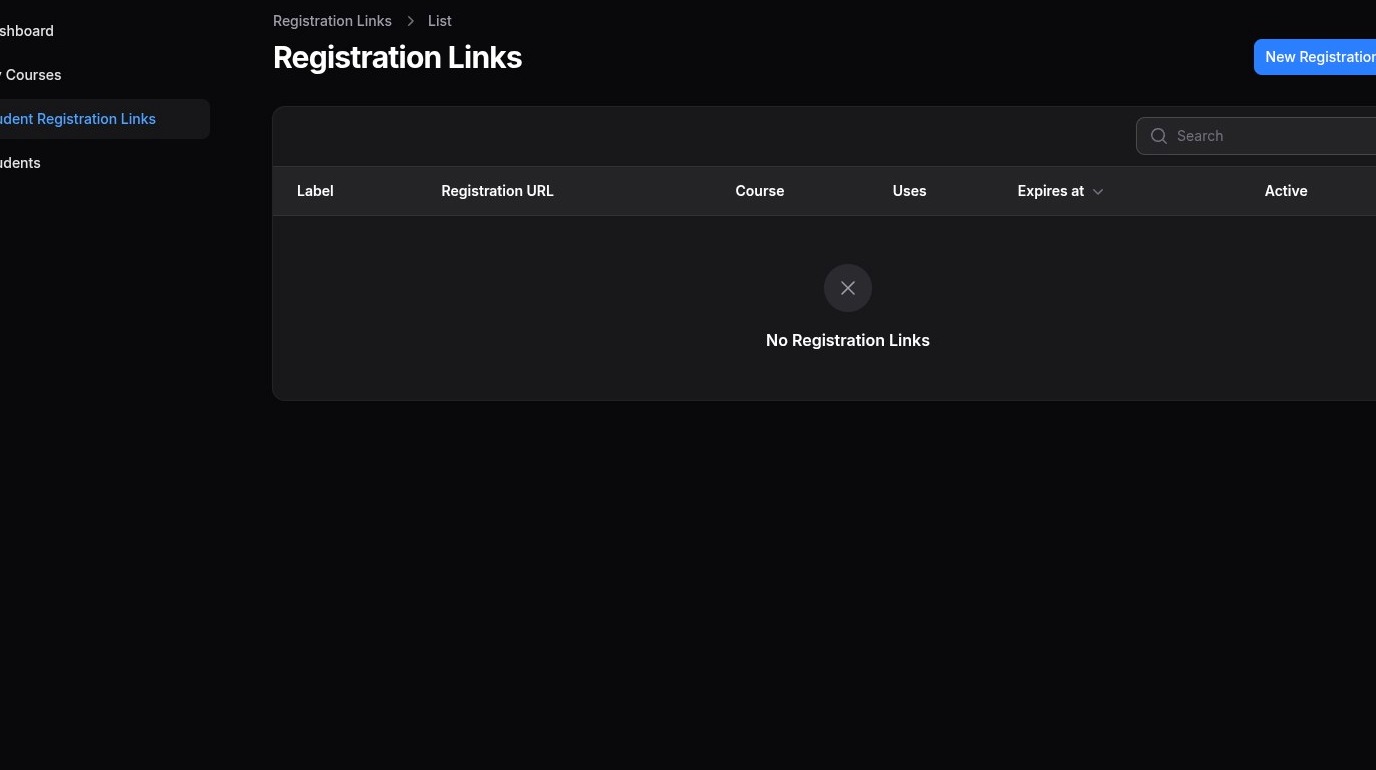
2. Click "New Registration Link"
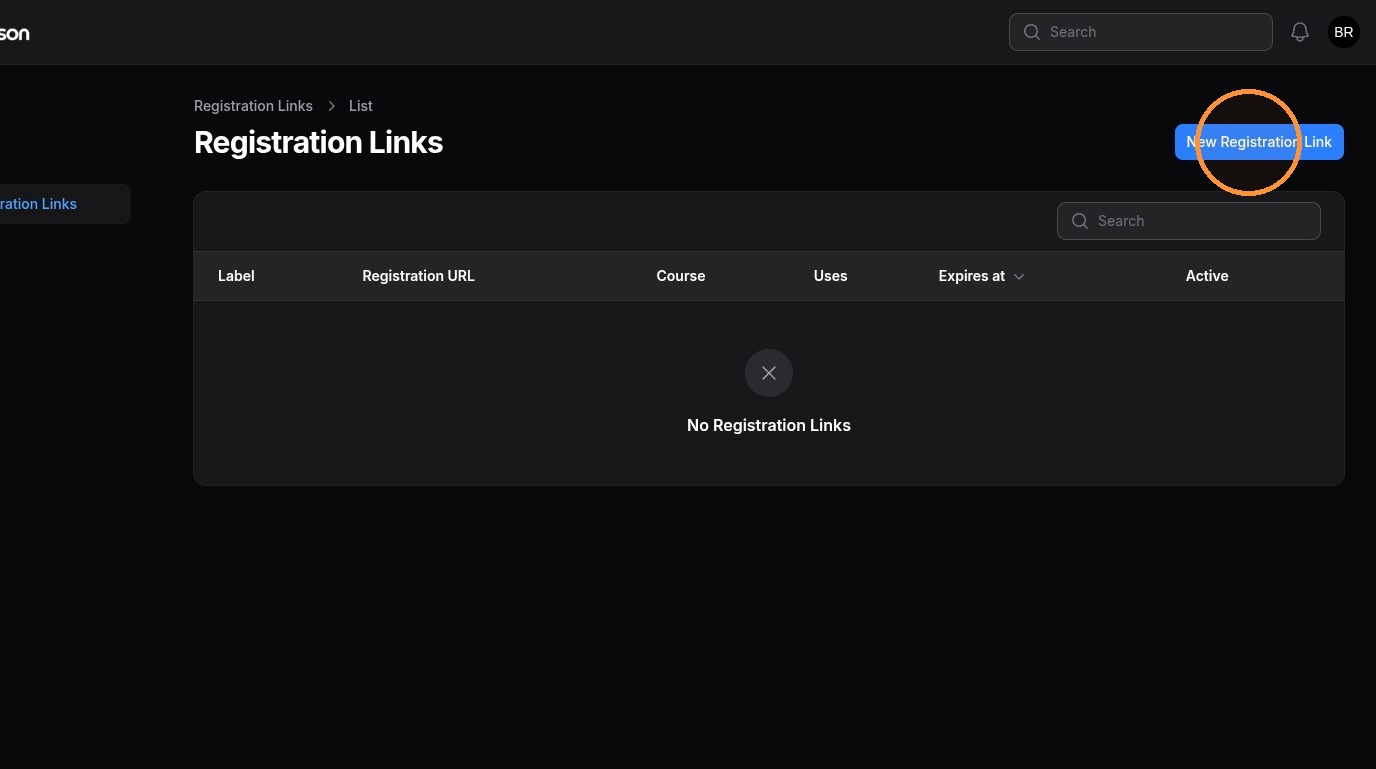
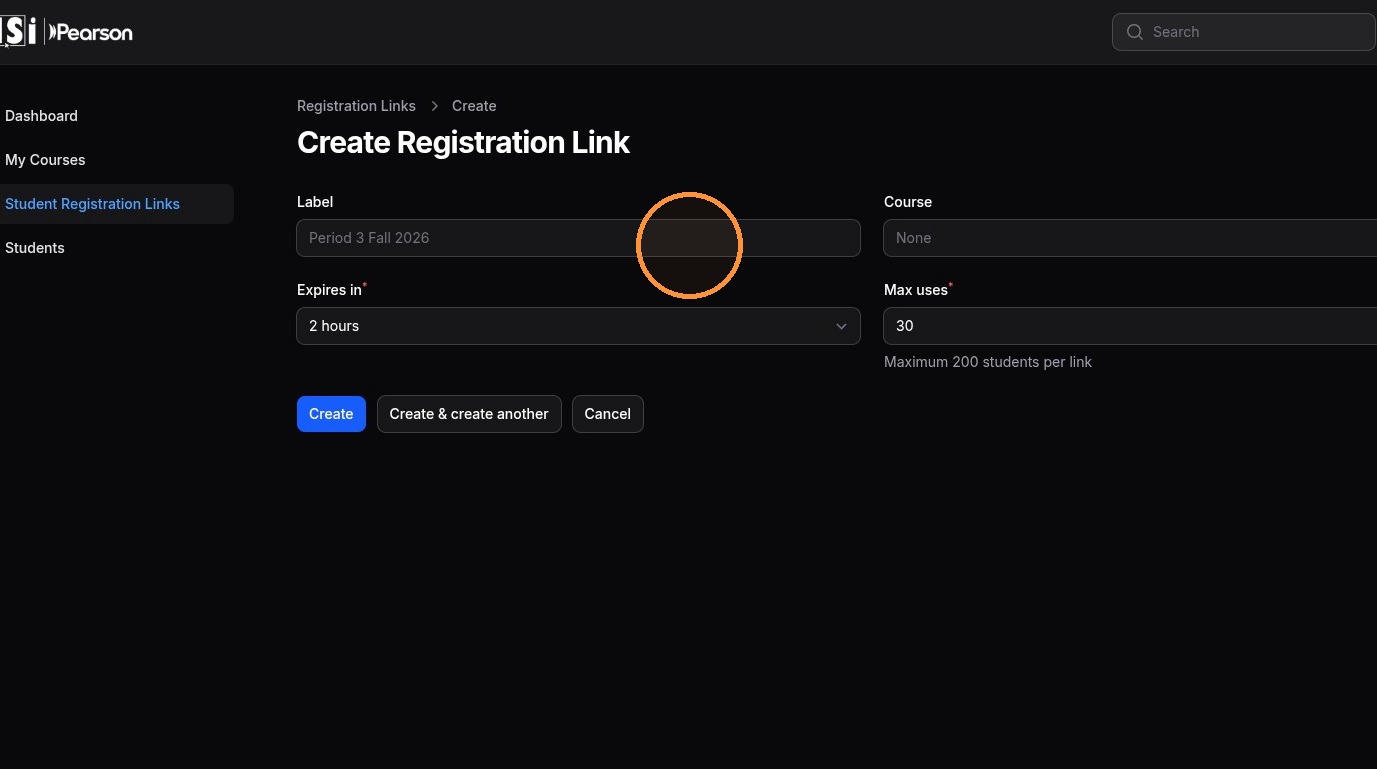
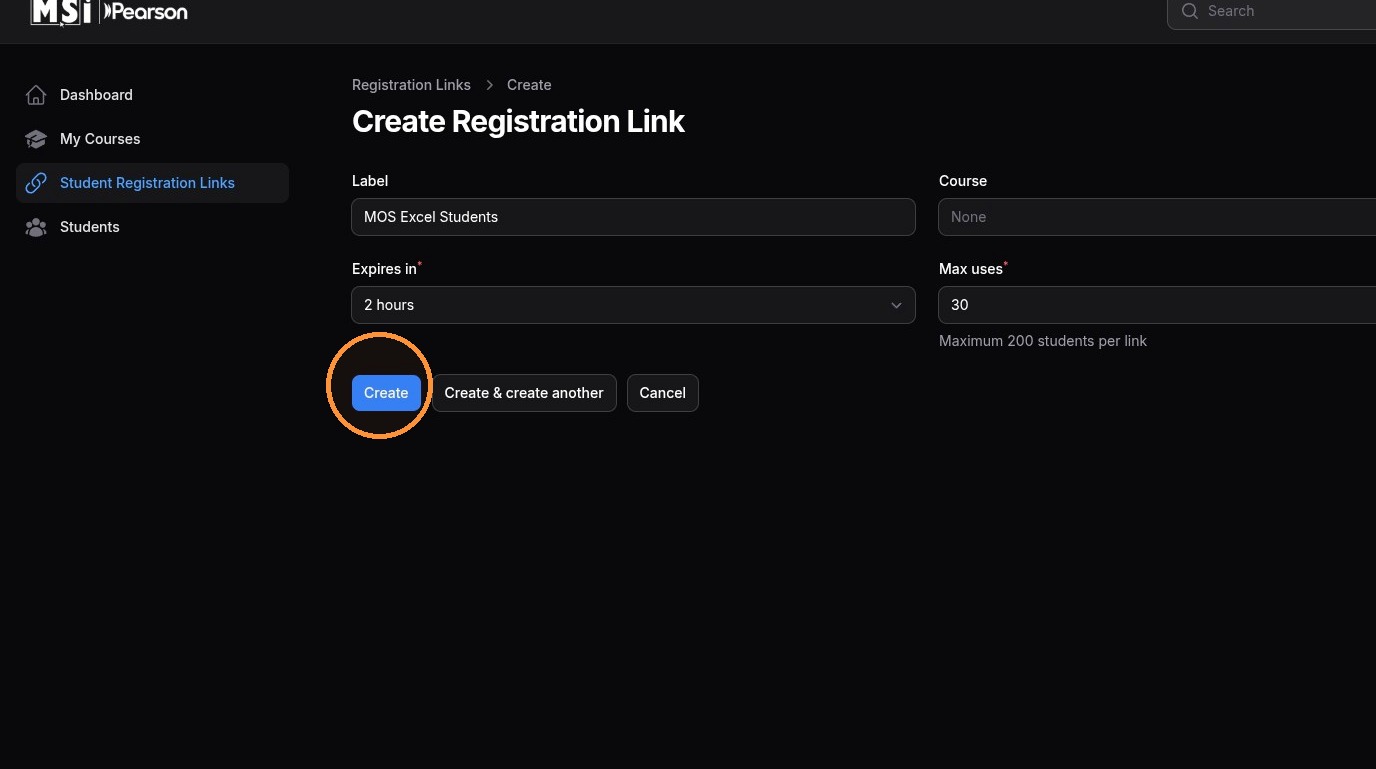
3. Optionally, enter a label to identify the student registration link
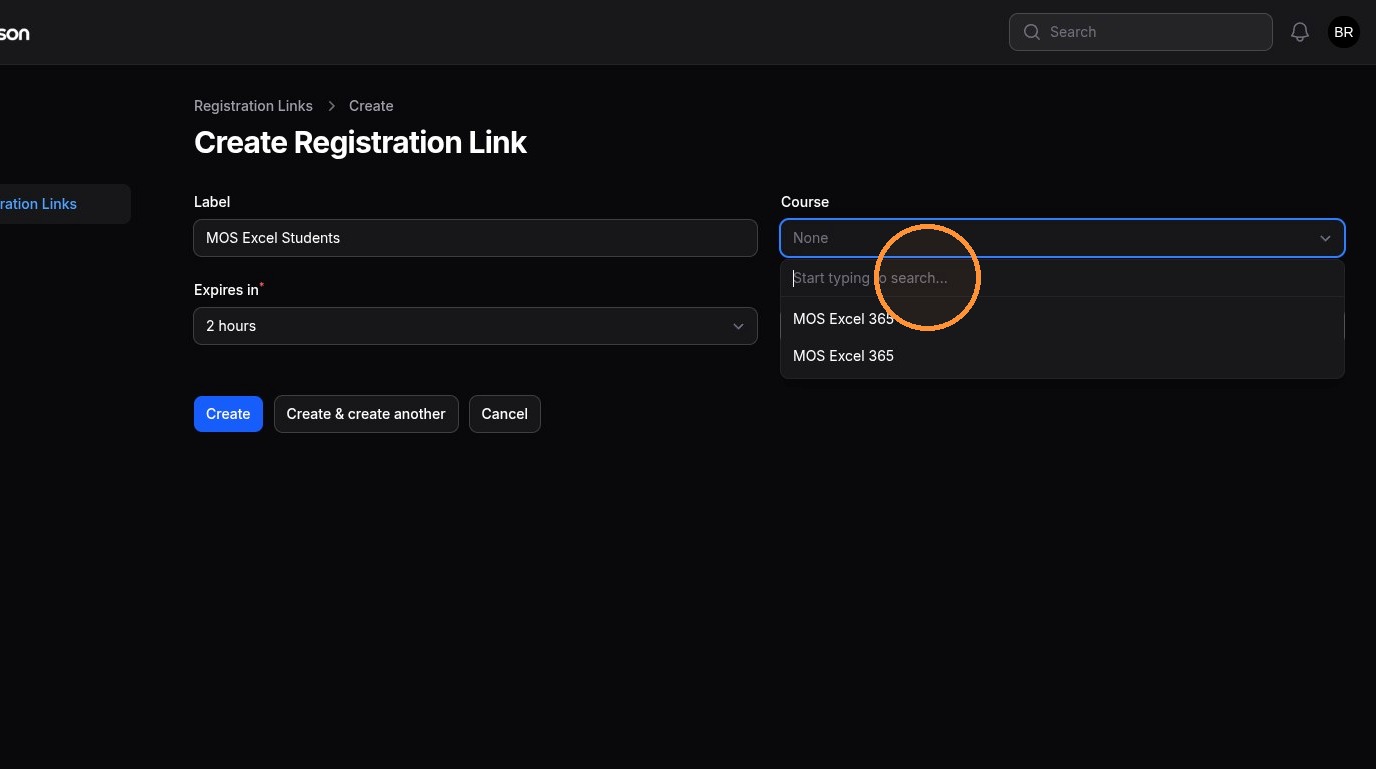
4. If desired, a course can be selected using the Course dropdown to autoenroll students on account creation
5. Click "Create"
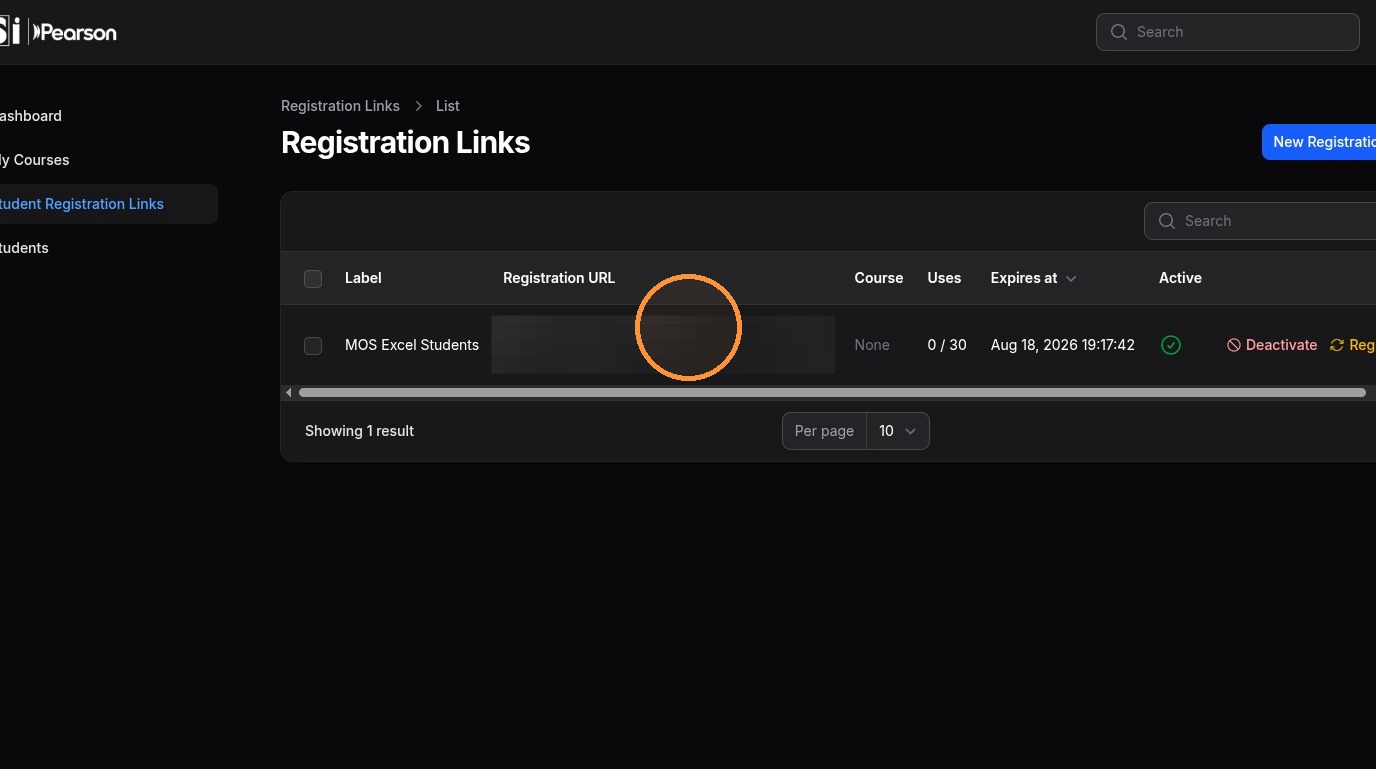
6. The student registration link can then be copied from the table by clicking on it
If you have multiple courses, you may need to bulk enroll your students into the other classes.
https://support.gomsi.net/portal/en/kb/articles/bulk-enroll-students-into-a-course