Creating Groups
How to Create Groups within Your Course
1. Navigate to your course.

2. Click the 3 lines to the left of your screen.

3. Click "Participants"

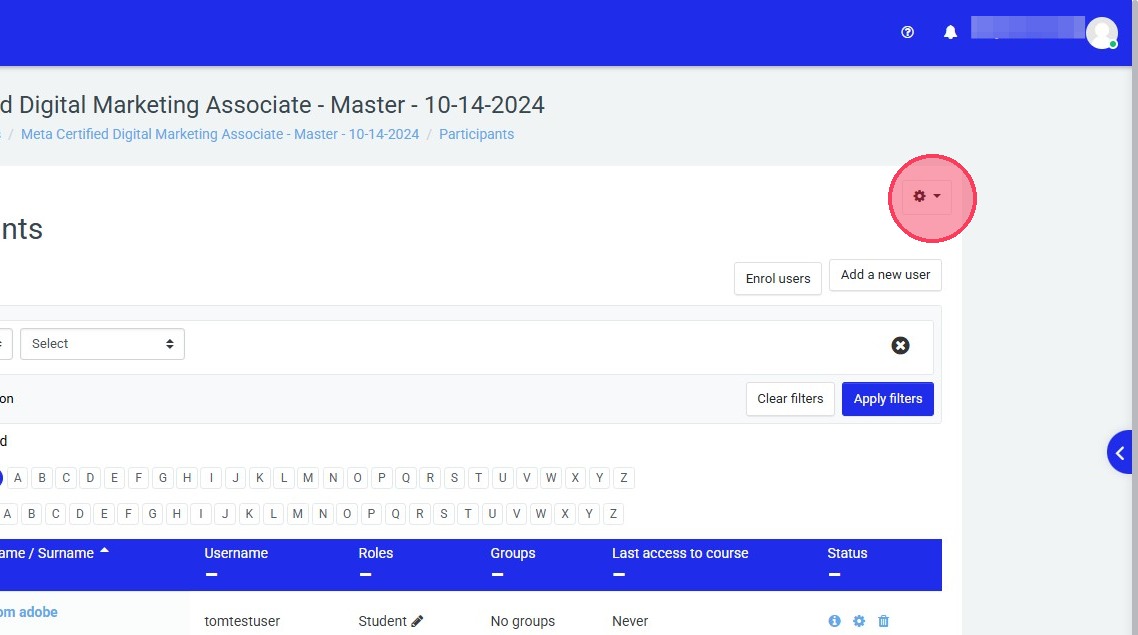
4. Click this gear icon for the drop down menu.
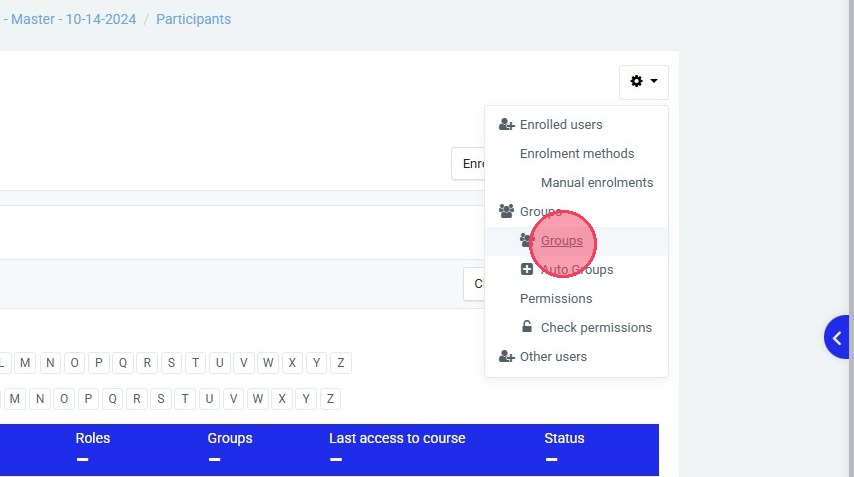
5. Click "Groups"
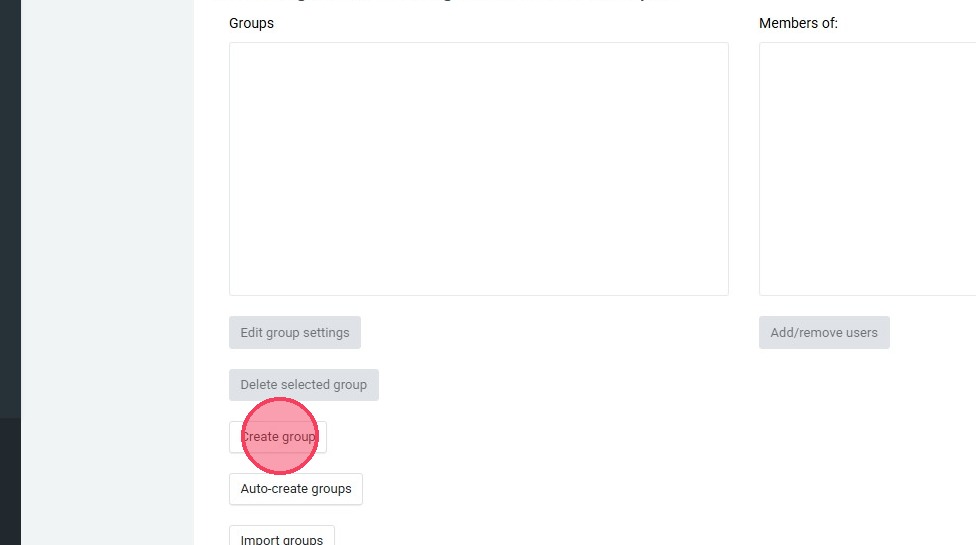
6. Click "Create group"
7. Click the "Group name" field.
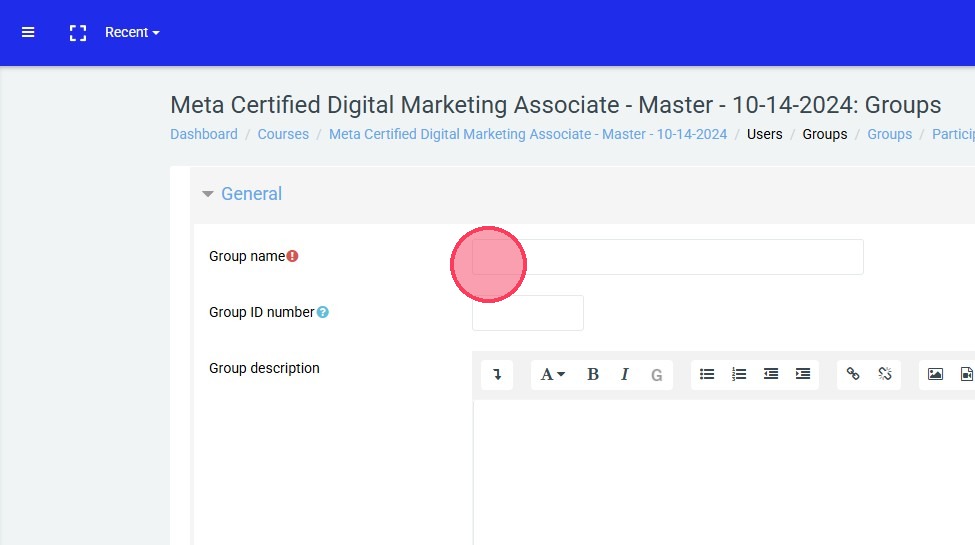
8. Type "Period 1" or whatever you would like to name your group.
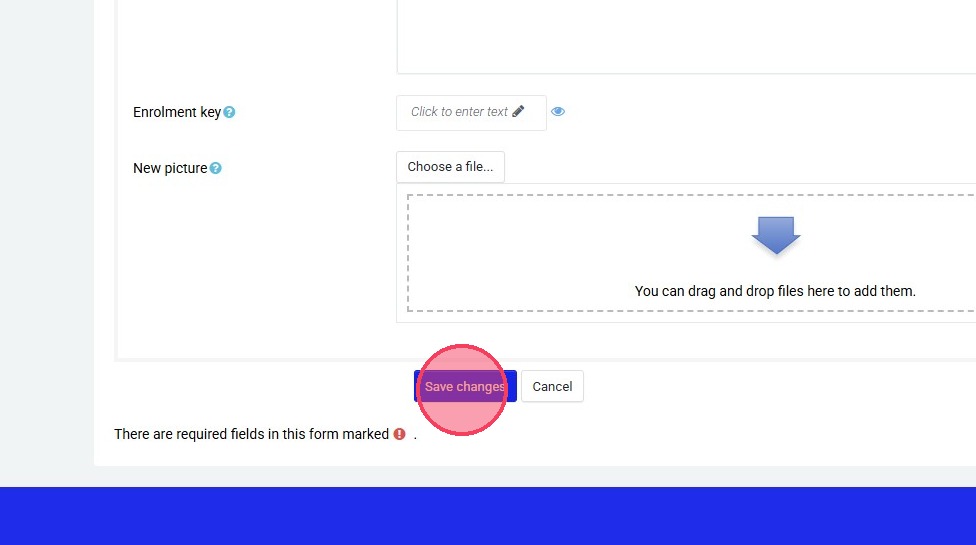
9. Click "Save changes"
10. Once you have one group created, you can repeat that process until you have your desired number of groups.
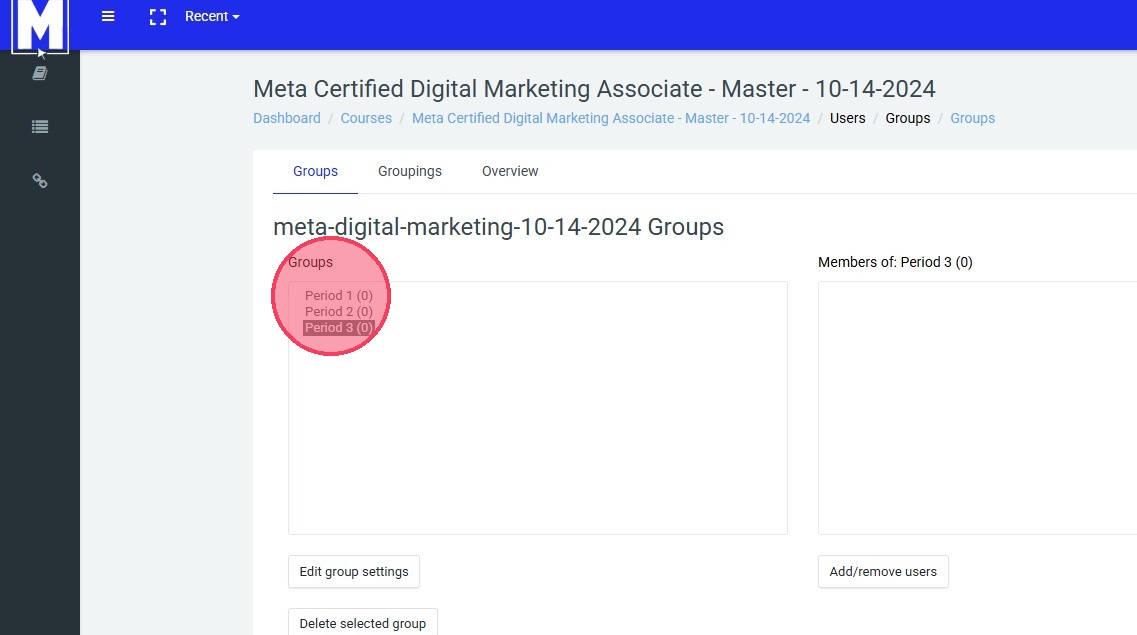
11. All of your groups will appear like this in the "Groups" box.